Web Hosting
 Windows HostingBuilt for Windows apps and websites – stability, speed and flexibility
 Reseller HostingLaunch a hosting business without technical skills or expensive infrastructure
 Affiliate ProgramRefer customers and earn commissions from sales across our platform
 Domain SearchFind and secure a domain name in seconds with our quick lookup tool
 CO ZA Domains
 All DomainsExplore domain names from over 324 TLDs globally – all in one place
 Free Whois Lookup Tool South Africa
 VPS
VPS Website Builder
 Online ShopSet up a sleek eCommerce store with zero coding knowledge
 SSLs
SSLs SupportAccess help articles, how-tos, and everything about our services
 Blog
Blog Contact UsReach our team instantly via live chat or drop us an email
Have you ever wondered why big companies do not use “@gmail.com” for their work? They use Email hosting to look professional and keep their data safe.
In this guide, we will show you how to set up your own account. You do not need to be a computer expert to follow these steps.
By the end, you will have an address like [email protected]. This helps people trust your brand more than a free account would.
Setting up Email hosting is the first step to building a strong online identity. It is easy, fast, and very useful for anyone starting a new project.

Table of Contents
What is Email Hosting?
Email hosting is a service where a company hosts your email on a special server. This server is different from the one that holds your website.
It allows you to use your own domain name in your address. Instead of being one of many, you stand out with a unique name.
Using Email hosting means you own your data and have more control. You get better security features and more space for your messages.
Most people choose this because it makes their business look real. It tells your customers that you are here to stay and can be trusted.

When you use Email hosting, you can create many accounts for different departments. For example, you can have [email protected] and [email protected].
Lets delve into the easy steps.
Step 1: Choose Your Plan
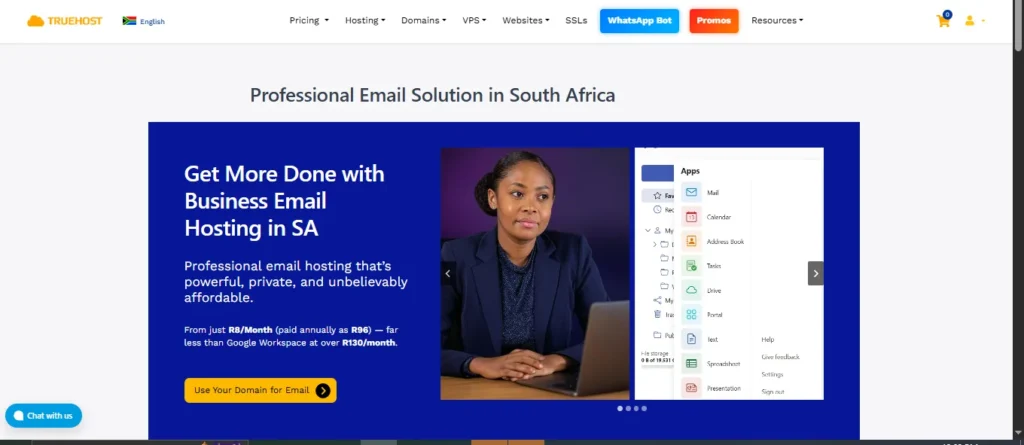
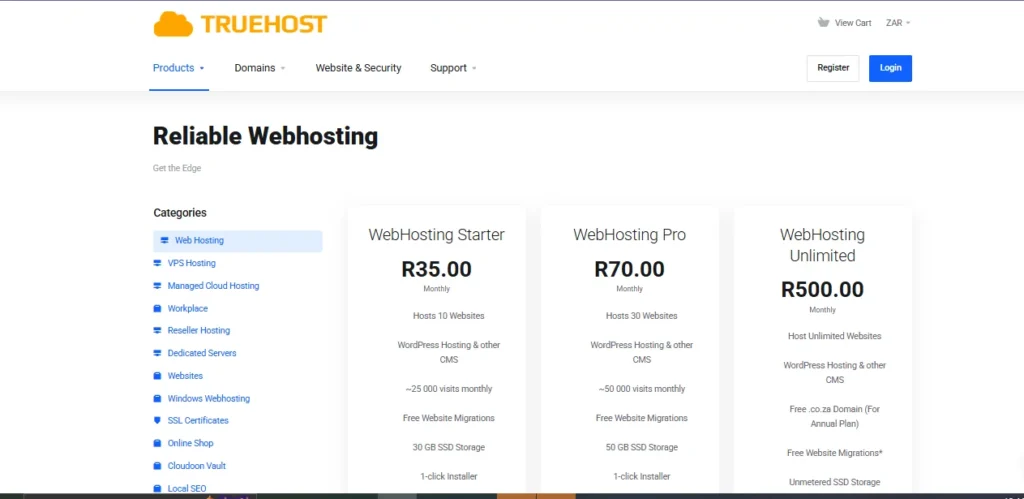
The first thing you need to do is pick a plan. Truehost offers different levels of Email hosting to fit your needs.
Think about how many people will need an account. If it is just you, a starter plan is perfect and very cheap.
If you have a team, you might need a plan with more storage. More storage means you can keep old messages without running out of room.
Check the features of each Email hosting plan before you buy. Look for things like spam protection and mobile phone support.
Once you find the right fit, click the “Order Now” button. This will take you to the next step of the setup process.
Step 2: Get Your Domain Name
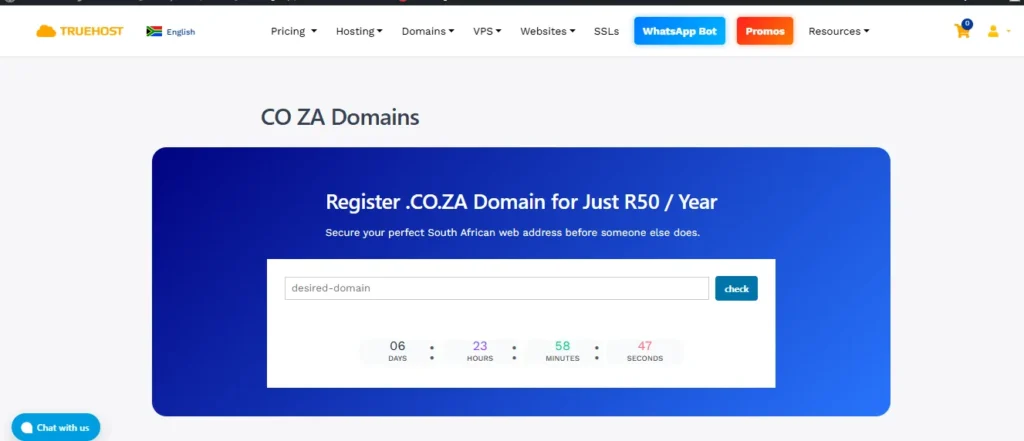
A domain name is your address on the internet. It is the part that comes after the “@” symbol in your Email hosting account.
If you already have a domain, you can connect it to Truehost. If not, you can buy a new one during the checkout.
Try to keep your domain name short and easy to spell. This makes it easier for your customers to send you a message.
Your domain name is the foundation of your Email hosting service. It is how the world identifies who you are online.
Once your domain is ready, it will be linked to your account. This happens almost instantly when you buy them together at Truehost.
Step 3: Log Into Your Dashboard
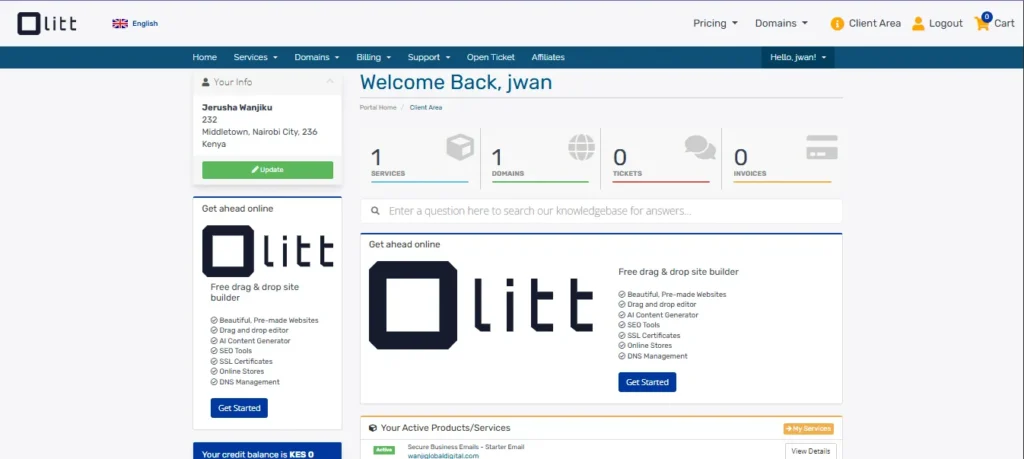
After buying your plan, you will get a welcome email. This email has your login details for the Email hosting area.
Go to the Truehost website and log into the Client Area. This is where you manage all your services in one place.
Look for the “Services” tab and click on your new plan. You will see a button that says “Log in to cPanel” or “Control Panel.”
The control panel is where the magic happens for Email hosting. It has icons for everything you need to do next.
Do not worry if it looks busy at first glance. You only need to focus on the section labeled “Email” for now.
Step 4: Create Your Email Account
Find the icon that says “Email Accounts” and click on it. This is where you build your new Email hosting addresses.
Click the “Create” button on the right side of the screen. A new form will appear for you to fill out.
Pick a username, like your first name or “info.” Then, choose a very strong password to keep your Email hosting safe.
You can also set a storage limit for this specific account. Most people choose “Unlimited” so they never miss an important message.
Click “Create” again at the bottom to finish the process. Your new professional email address is now live and ready to use!
Step 5: Access Your Mail

There are two ways to read your messages with Email hosting. You can use Webmail or a mobile app like Outlook.
Webmail is the easiest way because it works in any browser. Just go to [suspicious link removed] and log in with your new password.
If you want to use your phone, look for the “Connect Devices” link. Your Email hosting dashboard provides all the settings you need.
You will need the “Incoming” and “Outgoing” server names. These are usually just “https://www.google.com/search?q=mail.yourdomain.com” for most Truehost users.
Testing your account by sending a message to a friend is a good idea. This confirms that your Email hosting is working perfectly.
Free vs. Professional Email
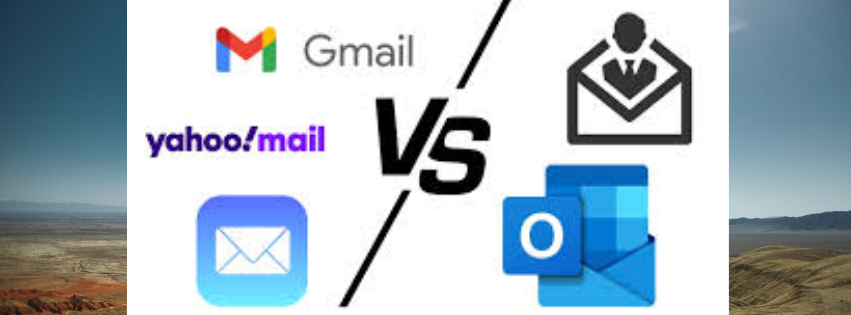
Many people start with free accounts because they cost nothing. However, there are big differences when you move to Email hosting.

A professional account gives you a better image and better tools. It protects you from being marked as spam by other companies.
The table below shows why paying for Email hosting is a smart move. It compares the two options so you can see the value.
| Feature | Free Email (Gmail/Yahoo) | Professional Email Hosting |
| Address | [email protected] | [email protected] |
| Trust | Low – Anyone can make one | High – Shows you own the business |
| Security | Basic protection | Advanced spam and virus filters |
| Support | No real person to help | 24/7 technical support |
| Storage | Limited and shared | Dedicated and easy to grow |
| Branding | Promotes Google or Yahoo | Promotes your own brand name |
Why Choose Truehost?
Truehost makes Email hosting simple for everyone in South Africa and beyond. We provide fast servers so your mail arrives instantly.
Our support team is always ready to help if you get stuck. You can reach us via chat or ticket any time of day.
We believe that Email hosting should be affordable for small businesses. That is why our prices are among the lowest in the market.
Setting up your account takes less than ten minutes with us. We handle the technical stuff so you can focus on your work.
Join thousands of happy users who trust us for their Email hosting. Start your journey today and see the difference it makes.
Frequently Asked Questions About Email Hosting
Many people have questions when they first start using Email hosting. It is normal to feel a bit confused about how the internet works. Here are the most common questions we hear at Truehost. These answers will help you understand your Email hosting service better.
Can I use my phone with this service?
Yes, you can use your smartphone with Email hosting very easily. Most people use apps like Outlook, Gmail, or the default Mail app. To set it up, you just need your Email hosting login details. You will enter your full address and your secret password.
The app will ask for “IMAP” or “POP3” settings for Email hosting. We always suggest using IMAP for your mobile devices. This keeps your messages synced across your phone and your computer. If you delete a message on your phone, it disappears everywhere. This makes managing your Email hosting much faster and cleaner.
Is my data safe from hackers?
Safety is a huge part of why people choose Email hosting. Free accounts are often targets for hackers and spam bots. Our Email hosting comes with advanced filters to stop bad actors. We use SSL encryption to keep your messages private while they travel.+1
You should also do your part to keep Email hosting secure. Use a password that has numbers, letters, and special symbols. Never share your Email hosting password with anyone you do not trust. Truehost also takes daily backups of your data. This means if you accidentally delete something, we can help you get it back.
How many accounts can I create?
The number of accounts depends on the Email hosting plan you choose. Some small plans allow for five or ten different addresses. Larger Email hosting plans allow you to create as many as you want. This is great for growing businesses that hire new staff.
You can create addresses for different jobs within your company. For example, use “[email protected]” for helping customers with Email hosting. Use “[email protected]” for sending out invoices and receipts. This keeps your main inbox from getting too crowded. Having multiple accounts is a key benefit of professional Email hosting.
What happens if I run out of space?
Running out of space is a common worry with Email hosting. Every plan has a specific amount of storage for your files. If you hit your limit, your Email hosting might stop receiving new messages. This is why it is important to check your usage.
If you need more room, you can upgrade your Email hosting plan. This happens instantly and you do not lose any old messages. You can also delete large attachments to free up space in your Email hosting. Most users find that our standard plans provide plenty of room. We make it easy to grow your Email hosting as your business gets bigger.
Can I move from Gmail to Truehost?
Many users want to move their old messages to Email hosting. This is called “migration” and it is very common. You can move your old contacts and folders to your new Email hosting account. This ensures you do not lose any important history.
Truehost provides tools to help you switch to Email hosting. Our support team can also guide you through the process. Moving to Email hosting is the best way to look professional. You can still keep your old Gmail account for personal use. Your business life will stay organized in your new Email hosting home.
Why is my email going to the spam folder?
If your messages go to spam, it might be your Email hosting settings. Sometimes, the internet needs “SPF” or “DKIM” records to trust you. These are small pieces of code in your Email hosting dashboard. They prove that the message really came from you.
At Truehost, we set most of this up for your Email hosting automatically. If you still have trouble, our team can check your records. Good Email hosting helps your messages land in the main inbox. This means your customers will actually see what you sent them. Reliable Email hosting is essential for any modern business communication.
Do I need a website for this?
You do not actually need a website to use Email hosting. You only need a domain name to get started. Many people use Email hosting for months before they build a site. This allows them to start talking to clients right away.
How many accounts can I create?
The number of accounts depends on the Email hosting plan you choose. Some small plans allow for five or ten different addresses. Larger Email hosting plans allow you to create as many as you want. This is great for growing businesses that hire new staff.
You can create addresses for different jobs within your company. For example, use “[email protected]” for helping customers with Email hosting. Use “[email protected]” for sending out invoices and receipts. This keeps your main inbox from getting too crowded. Having multiple accounts is a key benefit of professional Email hosting.
Why is my email going to the spam folder?
If your messages go to spam, it might be your Email hosting settings. Sometimes, the internet needs “SPF” or “DKIM” records to trust you. These are small pieces of code in your Email hosting dashboard. They prove that the message really came from you.
At Truehost, we set most of this up for your Email hosting automatically. If you still have trouble, our team can check your records. Good Email hosting helps your messages land in the main inbox. This means your customers will actually see what you sent them. Reliable Email hosting is essential for any modern business communication.