Web Hosting
 Windows HostingBuilt for Windows apps and websites – stability, speed and flexibility
 Reseller HostingLaunch a hosting business without technical skills or expensive infrastructure
 Affiliate ProgramRefer customers and earn commissions from sales across our platform
 Domain SearchFind and secure a domain name in seconds with our quick lookup tool
 CO ZA Domains
 All DomainsExplore domain names from over 324 TLDs globally – all in one place
 Free Whois Lookup Tool South Africa
 VPS
VPS Website Builder
 Online ShopSet up a sleek eCommerce store with zero coding knowledge
 SSLs
SSLs SupportAccess help articles, how-tos, and everything about our services
 Blog
Blog Contact UsReach our team instantly via live chat or drop us an email
Building n8n workflows with Claude can be hit-or-miss. The AI sometimes messes up expression syntax, gets trapped in validation loops, or configures nodes that break when you run them.
This happens because n8n has its own way of doing things, and Claude does not know those rules by default.
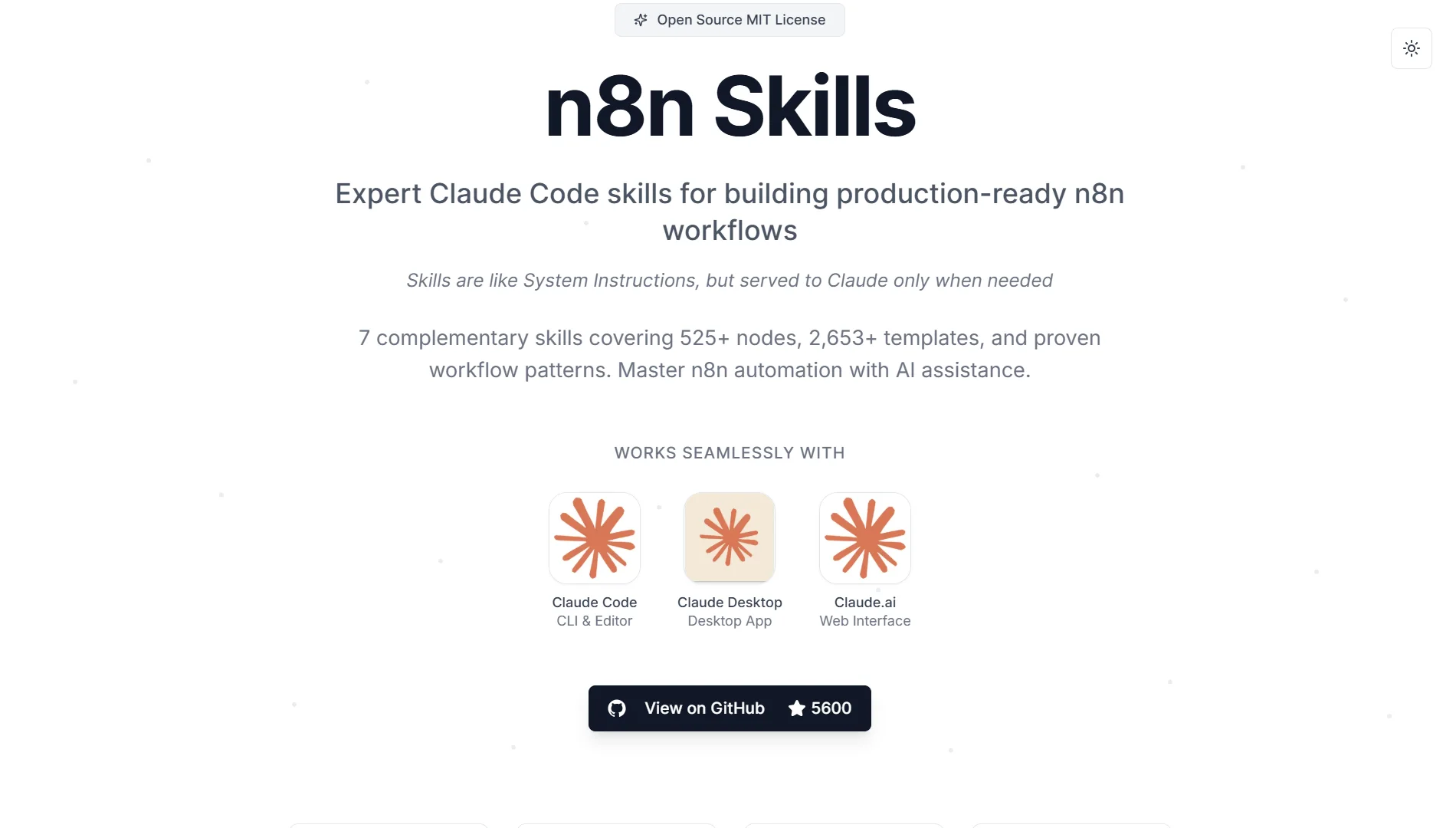
Claude, Skills fix that.
There are instruction packages that teach Claude how to handle n8n tasks correctly. Instead of loading all rules at once, Claude pulls in only the relevant guidance when needed.

Each skill activates at the right moment and tells Claude exactly what to do.
The result?
Claude stops guessing. It learns proper expression syntax, how to use MCP tools effectively, proven workflow patterns, how to fix validation errors, and how to correctly configure nodes.
So, no more constant back-and-forth corrections.
We will cover all ten skills to enhance automation. By the end, you will know how they help Claude build workflows that actually work.
But first, a glance at the skills:
| Skill | What it covers |
| Expression syntax | Correct {{}} syntax, variables, and common mistakes |
| MCP too expert | Using n8n-mcp tools correctly |
| Workflow patterns | Five proven workflow architectures |
| Valid expert | Fixing validation errors and false positives |
| Node Configuration | Property dependencies and operation settings |
| Code nodes | JavaScript, Python, and Custom Code Tool |
| Error Handling | Making failures loud and recoverable |
| Binary & Data | Files, images, and binary data handling |
| AI agents | Building AI agents and LLM workflows |
| Self-hosting | Deploying n8n on a VPS |
Table of Contents
10 Claude Skills for n8n to Enhance Your Automation
1) Expression Syntax Skill
This skill teaches Claude how to write correct n8n expressions and use common patterns properly.
It kicks in whenever you are writing expressions, using the {{}} syntax, accessing variables like json or node, or trying to fix expression errors that keep popping up.

It covers the core variables you will use all the time, including $json, $node, $now, and $env. One point it emphasizes is that webhook data always lives under $json.body.
This catches many people off guard. They try to access data directly from $json and end up with nothing. The skill also lists common mistakes with clear fixes.
And importantly, it tells you when to skip expressions entirely, like in Code nodes, where you should be writing actual code instead.
Expression syntax is the foundation of everything in n8n. Get it wrong, and nothing works right.
This skill prevents Claude from making the most common expression errors that waste your time and lead to endless debugging sessions.
2) MCP Tools Expert Skill
This is an expert-level guide to using the n8n-mcp MCP tools effectively. It activates when you are searching for nodes, validating configurations, accessing workflow templates, or managing your workflows.
It provides a tool selection guide that tells you exactly which tool to use for each task. This is essential because using the wrong tool leads to errors or inefficient workflows.
It explains the differences in nodeType format, such as when to use node-based vs n8n-nodes-base.
In addition, it covers the different validation profiles available, including minimal, runtime, AI-friendly, and strict, and tells you when to use each one.
It also teaches smart parameter usage, such as adding branch=”true” to IF nodes. And it explains the auto-sanitization system that automatically cleans up certain inputs to prevent common errors.
The most valuable part is that it teaches correct MCP tool usage patterns and parameter formats. This stops Claude from guessing and getting it wrong.
The MCP tools are how Claude interacts with n8n, so if Claude uses them incorrectly, you get errors, wasted API calls, and frustrating back-and-forth, which can make for inefficient, incorrect tool usage every time.
3) Workflow Patterns Skill
Workflow patterns teach how to build workflows using five proven architectural patterns tested in real-world scenarios. It activates when you create new workflows, connect nodes, or design automation logic.
It explains five proven patterns in detail:
- The webhook processing pattern handles incoming HTTP requests and routes them appropriately.
- The HTTP API pattern deals with making requests to external services.
- The database pattern manages data storage and retrieval operations.
- The AI pattern covers workflows that incorporate language models and agents.
- And the scheduled pattern handles recurring automated tasks.
In addition to these patterns, there is a workflow-creation checklist to ensure you do not miss anything important.
It provides real examples drawn from over 2,653 n8n templates and covers best practices for connecting that keep your workflows clean and maintainable.
It also includes a pattern selection guide that helps you pick the right pattern for your specific use case.
Starting from scratch every time is inefficient and error-prone. These patterns give you battle-tested architectures that work reliably.
The pattern selection guide helps you choose the right one for your specific needs, so you don’t have to guess.
4) Validation Expert Skill
This skill shows you how to interpret validation errors and guides you through fixing them.
It activates when validation fails in your workflow, when you are debugging workflow errors, or when you encounter false-positive validation results.
It provides a validation loop workflow that guides you through systematically fixing errors.
There is a real error catalog showing common validation failures you will encounter and exactly how to fix each one.
It explains auto-sanitization behavior in detail so you understand when n8n is fixing things for you and when you need to fix them yourself.
Validation expert skills also include a false-positive guide for those frustrating times when validation says something is wrong, but it actually is fine.
It helps you select the right validation profile for different stages of workflow development, from early prototyping to production deployment.
Validation errors can be cryptic and incredibly frustrating. This turns cryptic errors into actionable fixes, saving you from endless trial-and-error and guesswork.
5) Node Configuration Skill
This skill provides operation-aware node configuration guidance that accounts for each node’s actual role.
It activates when you are configuring nodes, trying to understand property dependencies, or setting up AI workflows.
The skill explains property dependency rules that are critical to understand.
For example, if you set sendBody to true, then contentType becomes required. These dependencies are not always obvious, and missing them breaks your workflow.
In addition, it covers operation-specific requirements for different node types so you know what each operation needs.
For AI workflows, it covers the eight connection types for AI Agent workflows, which is essential knowledge when building agent-based automations.
It also includes common configuration patterns that have been proven to work reliably in production.
Nodes have complex dependencies. Setting one property requires setting another. The skill ensures that Claude configures nodes correctly the first time, avoiding the frustration of missing a required property.
6) Code Node Skill(s) (JavaScript/Python/Tool)
Code node is actually three skills bundled together, each covering a different type of code node in n8n: JavaScript, Python, and the Custom Code Tool.
JavaScript teaches Claude how to write effective JavaScript code in n8n Code nodes.
It activates when you are writing JavaScript in Code nodes, troubleshooting errors, making HTTP requests with helpers, or working with dates.
It covers data access patterns like $input.all(), $input.first(), and $input.item and reinforces that webhook data lives under $json.body – a detail people frequently overlook.
The correct return format is {json: {...}}, which many get wrong. It also covers built-in functions like this.helpers.httpRequest(), DateTime handling, and $jmespath() for querying JSON data.
Plus, it includes the top five error patterns with solutions that cover over 62% of failures, along with 10 production-tested code patterns.
Python teaches Python code with proper awareness of its limitations in n8n. It activates when you are writing Python in Code nodes or need to know what Python can and cannot do.
The key point it makes is that JavaScript works for 95 percent of use cases. For Python, data access uses _input, _json, and _node instead of the JavaScript patterns.
The critical limitation is that no external libraries work, so requests, pandas, and numpy are completely unavailable.

It provides standard library references like json, datetime, and re that you can actually use, plus workarounds for missing libraries and common Python patterns.
Custom Code Tool teaches how to write code for the AI-agent-callable Custom Code Tool. This is completely different from the regular Code node with a different contract.
It activates when building a Code Tool attached to an AI Agent or when troubleshooting output-type errors.
The critical distinction is that Code Tool is not the same as Code node. It has a different return format, a different sandbox, and a different input binding.
The return format is a string, not {json:{...}}. For unstructured input, query works in JavaScript and _query in Python. The $fromAI function does not work at all here.
It covers the three signature error strings you will encounter, with causes and fixes, and tells you when to use Code Tool, toolWorkflow, or HTTP Request Tool.
Code nodes are powerful but have specific rules. If you use the wrong approach, you’ll get errors. These skills ensure Claude writes code that runs in n8n.
7) Error Handling Skill
Error-handling skills teach you to handle failures loudly, clearly, and in a way that allows recovery.
It kicks in when you are building webhook or API workflows, wiring error outputs, setting retry logic, designing 4xx or 5xx responses, or hunting down silent failures that are hard to debug.
It explains the per-node error output using the two-step onError approach: continueErrorOutput plus wiring the main[1] trap. This is the right way to handle errors in n8n.
In addition, it covers retryOnFail for self-healing flaky network calls that might fail temporarily. It explains how to map 4xx and 5xx responses so you can return the proper HTTP status codes.
It also covers the responseCode-defaults-to-200 gotcha that catches many people off guard. And it covers Error Trigger workflows for unattended runs, so you catch failures before they become problems.
Silent failures are the absolute worst. This skill ensures your workflows alert you when something goes wrong and provides tools to automatically recover without manual intervention.
8) Binary & Dat
Binary and Dat teach you how to handle files, images, and binary data correctly in n8n. It activates when you are working with files, images, PDFs, attachments, uploads, downloads, vision input, or passing files to or from AI agent tools.
It shows that $binary and $json are completely separate. File contents never live in $json. So you need to keep binary data intact on JSON transforms using the Merge node.
For agent tools, there is a binary boundary: you pre-stage files to storage and pass keys or URLs instead of the binary data.
For chat surfaces, you need a CDN or a URL to display images, since the binary data itself will not render.
Binary data handling is one of the most misunderstood areas in n8n.
People try to put files into JSON fields and then wonder why their images disappear or why their PDFs appear as gibberish. This prevents that entire class of errors.
9) AI Agents
This one shows you how to properly design n8n AI agents. It activates when you are building any @n8n/n8n-nodes-langchain.* node, including AI Agent, LLM Chain, and Text Classifier.
AI agents also activate when working with tool calling, $fromAI, memory, structured output, RAG, or chatbots.
It explains the differences between Agent, LLM Chain, and Text Classifier nodes, as well as the model, memory, tools, and outputParser slots for each.
It covers how tool names and descriptions ARE the prompt, meaning you need to write them carefully because the agent uses them to decide which tools to call. It explains the anatomy of the $fromAI parameter and how to use it correctly.
For structured output, it covers autoFix, which helps clean up malformed responses. For memory, it covers memory plus the sessionId for maintaining conversation context.
It includes human-in-the-loop review patterns, so you can get approval before taking action.
And it covers chat shell, core, and sub-agent topology with anti-loop filtering to prevent agents from getting stuck in infinite loops.
AI agents are complex with many moving parts. Getting anyone wrong breaks the whole thing. This gives Claude the deep understanding needed to build agents that actually work reliably.
10) Self-Hosting(deployment/ops)
This skill teaches you how to deploy a production self-hosted n8n instance end-to-end on a fresh Linux VM. It activates when you are self-hosting, installing, or deploying n8n on your own server or VPS in single or queue mode.
Note that it is not for n8n Cloud and not for building workflows.
It provides Docker Compose configuration behind Caddy with automatic HTTPS. It asks you whether you want single or queue mode first. Single mode uses SQLite for simplicity.
Queue mode uses the main process, Redis, Postgres, and workers for scalability. It generates new secrets on the box, so you don’t reuse weak defaults.
It applies secure defaults such as an explicit encryption key, no published internal ports, telemetry off, env-access blocked, and execution pruning.
It covers DNS and port preflight checks to ensure your domain resolves properly.
Plus, it provides end-to-end verification, so you know the deployment actually works. And it covers Day-2 operations like update, backup, and restore.
Self-hosting n8n is powerful but complex. Getting security wrong exposes your workflows and credentials to the internet.
Getting the configuration wrong means your automations fail silently. This skill delivers a production-ready, secure, and reliable deployment from day one.
Claude Skills for n8n FAQs
How do I add n8n skills to Claude Code?
You can install the plugin directly with /plugin install czlonkowski/n8n-skills. Or add the marketplace with /plugin marketplace add czlonkowski/n8n-skills, then install from the list. Manual installation is also available by cloning the repository and copying the skills to ~/.claude/skills/.
What is the difference between skills and n8n?
Skills are instruction packages that teach Claude how to use n8n effectively. n8n is the automation platform itself. The skills help Claude build workflows correctly in n8n.
Do I need n8n if I have Claude Code?
If you are automating tasks across multiple apps and APIs, yes. Claude Code can write code, but it does not execute workflows or connect to 400+ integrations. n8n gives you a visual automation platform that runs your workflows on a schedule or in response to events. The skills bridge the gap so Claude can build those workflows for you.
Is n8n better than Claude?
They do different things. Claude is a language model that can reason and generate code. n8n is an automation platform that runs workflows. Using them together gives you the best of both: Claude’s intelligence and n8n’s automation capabilities.
Should I learn n8n or Claude?
Learn both. Claude helps you build and troubleshoot workflows faster. n8n helps you run them reliably. Together, they are a powerful combination for automation engineering.
Deploy n8n With Truehost
Thinking about moving your n8n automations to production? Self-hosting on a VPS is the way to go, and at Truehost, we’ve made it surprisingly simple.
Our KVM VPS plans are built specifically for n8n, so you get unlimited workflows, unlimited concurrent executions, and zero surprise fees. Prices start at just R171.53 per month.
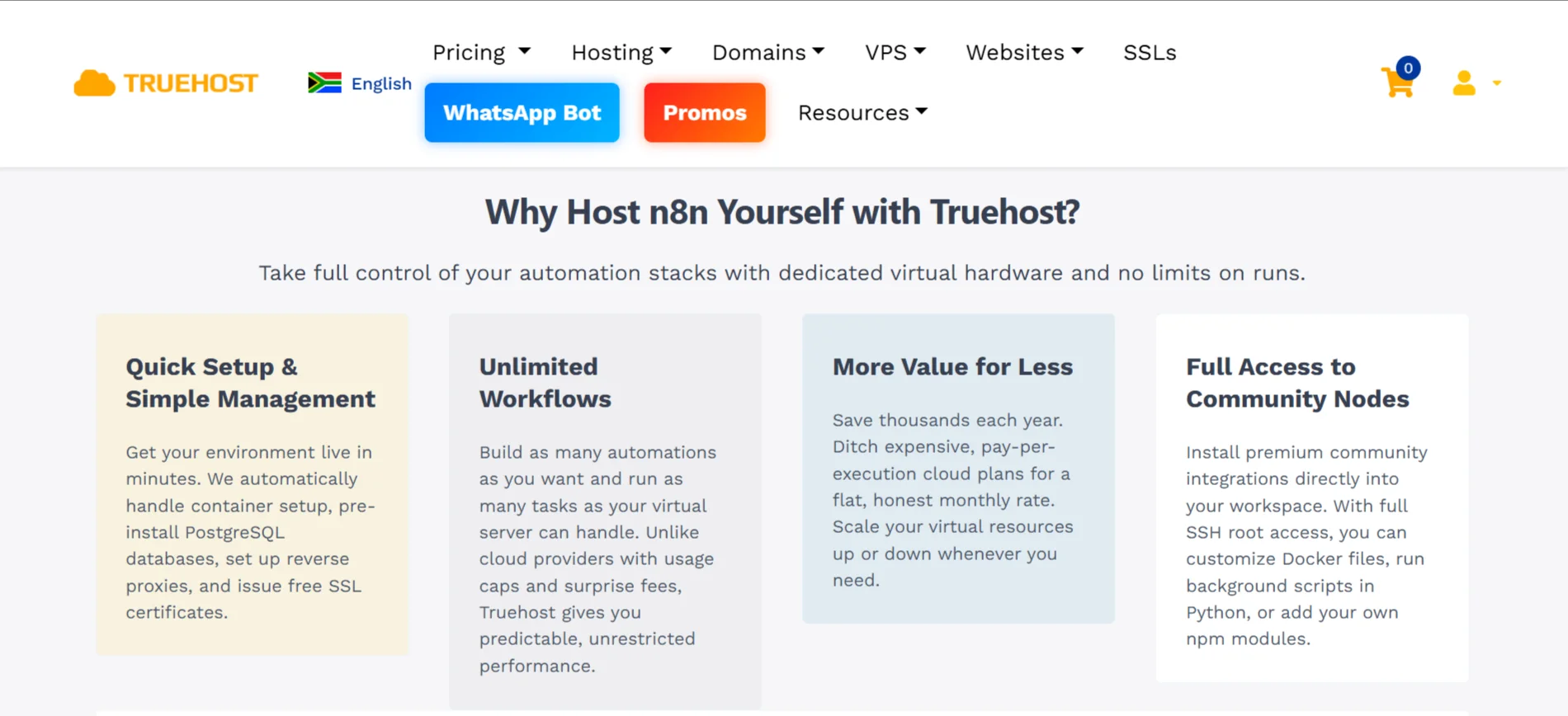
We do all the setup for you. With one click, we spin up your dedicated server, install Node.js 20 and PostgreSQL 16, configure queue mode for better performance, and even set up a reverse proxy with free SSL certificates.
You’ll have full root access, and your n8n editor will be ready to go in about 60 seconds.
Not sure which plan to pick? The KVM 1 is great for solo builders and side projects. It offers 1 vCPU, 2 GB RAM, and 50 GB of NVMe storage.
If you’re handling production workloads or need more muscle, the KVM 2 steps it up with 2 vCPUs, 4 GB RAM, and 100 GB NVMe storage.
Both come with good bandwidth, pre-made workflow templates, and access to community nodes.
And if you ever need to scale up or down, it’s just a few clicks away.
So why wait? Deploy n8n on Truehost today and start automating on your own terms.