Web Hosting
 Windows HostingBuilt for Windows apps and websites – stability, speed and flexibility
 Reseller HostingLaunch a hosting business without technical skills or expensive infrastructure
 Affiliate ProgramRefer customers and earn commissions from sales across our platform
 Domain SearchFind and secure a domain name in seconds with our quick lookup tool
 CO ZA Domains
 All DomainsExplore domain names from over 324 TLDs globally – all in one place
 Free Whois Lookup Tool South Africa
 VPS
VPS Website Builder
 Online ShopSet up a sleek eCommerce store with zero coding knowledge
 SSLs
SSLs SupportAccess help articles, how-tos, and everything about our services
 Blog
Blog Contact UsReach our team instantly via live chat or drop us an email
1.Login on olitt.com
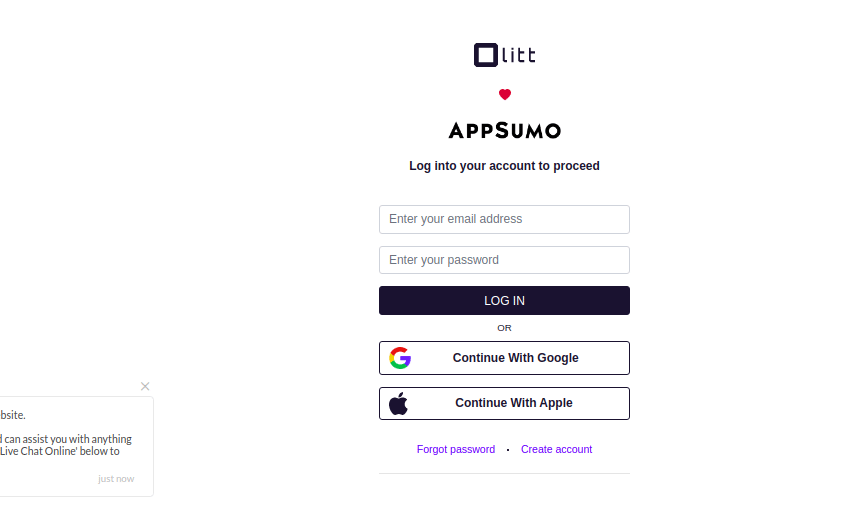
2. If you do not have an account, use the Create account option
3. Click create website on top right hand

4. If you have existing websites, click websites to display them
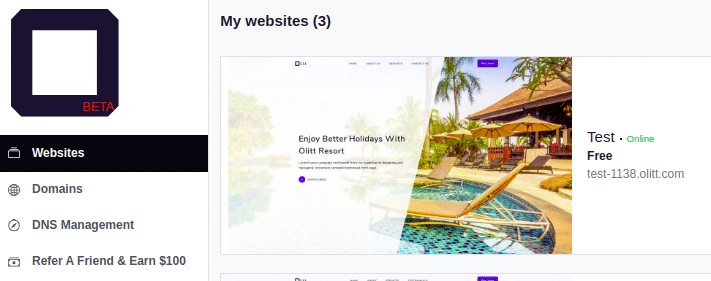
5.For new website, proceed to select the template you prefer to use

6. Once you select the template, customize it
A notification of successful addition will appear as below

Return to websites menu
7. On your specific website you want to add domain to
8. Click more actions as Below

Select the option connect domain name
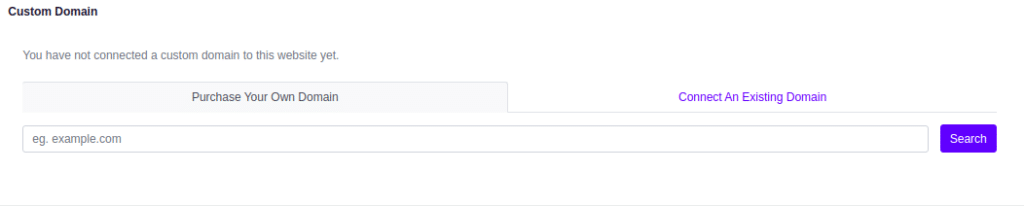
Table of Contents
HOW TO REGISTER A NEW DOMAIN ON OLITT
To register a domain to use, click purchase your own domain
Input the domain name you wish to register under the search bar provided
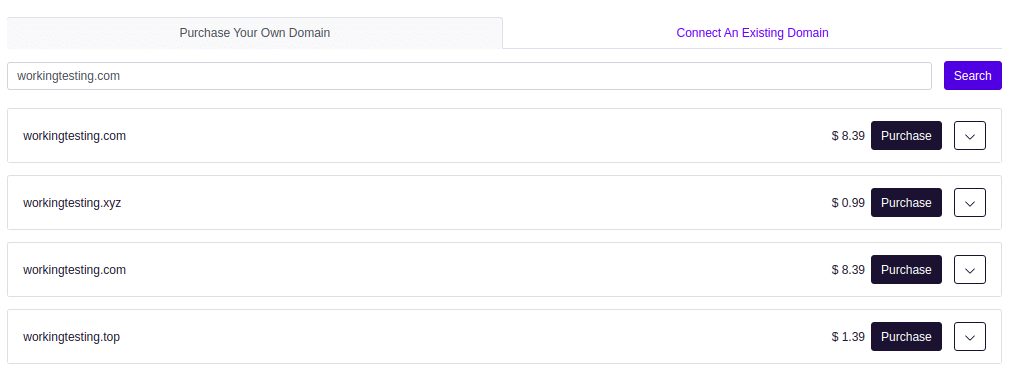
Availability will be checked and you will see results as above
Click purchase on the name you prefer.
You will see an invoice generated and payment gateway will be provided
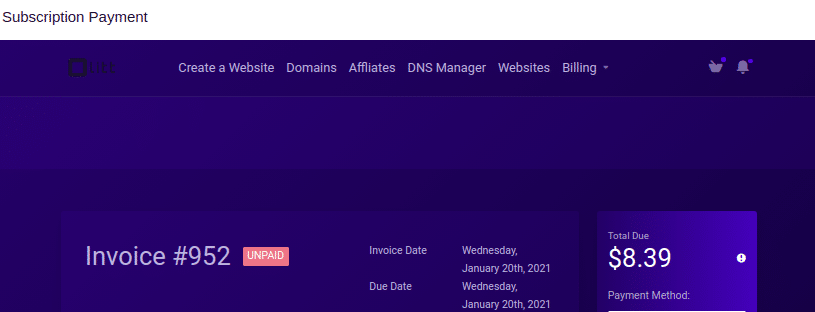
Once you pay, your domain will be registered and activated.
ADDING EXISTING DOMAIN
Now Return to olitt dashboard to connect domain
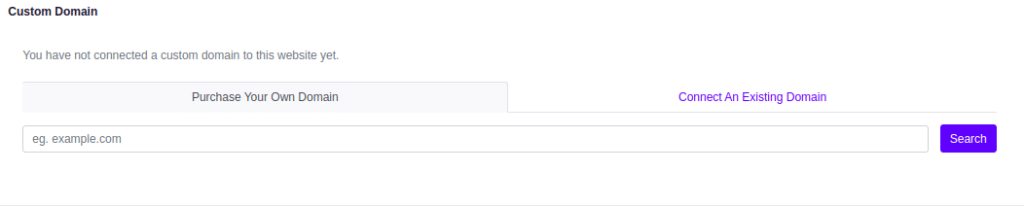
click connect an existing domain
Enter the domain name under the add bar provided

Click add to continue with the process
HOW TO UPDATE DNS
Go to to DNS MANAGEMENT section to add your domain
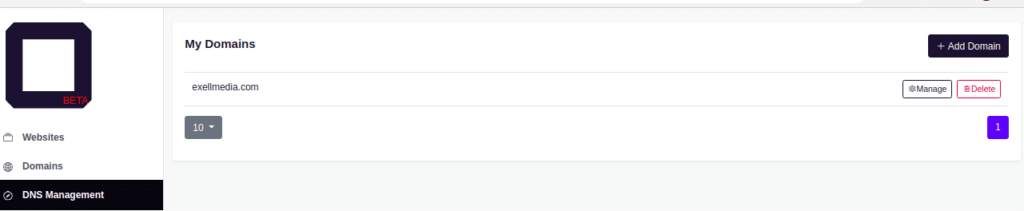
Click Add domain button on top right hand as shown above
Enter the domain you are managing DNS for.
To confirm it was added successfully ,Olitt dashboard website section to see section as below

The domain name will appear below the olitt custom name
Finally update nameservers to those of olitt
Return to where your domain is registered and update nameservers to these below
ns1.olitt.com
ns1.olitt.net
Visit the website using your domain name