Web Hosting
 Windows HostingBuilt for Windows apps and websites – stability, speed and flexibility
 Reseller HostingLaunch a hosting business without technical skills or expensive infrastructure
 Affiliate ProgramRefer customers and earn commissions from sales across our platform
 Domain SearchFind and secure a domain name in seconds with our quick lookup tool
 CO ZA Domains
 All DomainsExplore domain names from over 324 TLDs globally – all in one place
 Free Whois Lookup Tool South Africa
 VPS
VPS Website Builder
 Online ShopSet up a sleek eCommerce store with zero coding knowledge
 SSLs
SSLs SupportAccess help articles, how-tos, and everything about our services
 Blog
Blog Contact UsReach our team instantly via live chat or drop us an email
Switching hosting providers can feel overwhelming, especially when you’re worried about losing your domain or experiencing downtime. We understand this concern because we’ve helped thousands of South African businesses make this transition smoothly at Truehost.
The good news is that transferring your domain doesn’t have to be complicated. Let me walk you through exactly how to transfer a domain name from your current provider to a new one, ensuring your website stays online and your business keeps running.
Table of Contents
Understanding Domain Transfer Basics
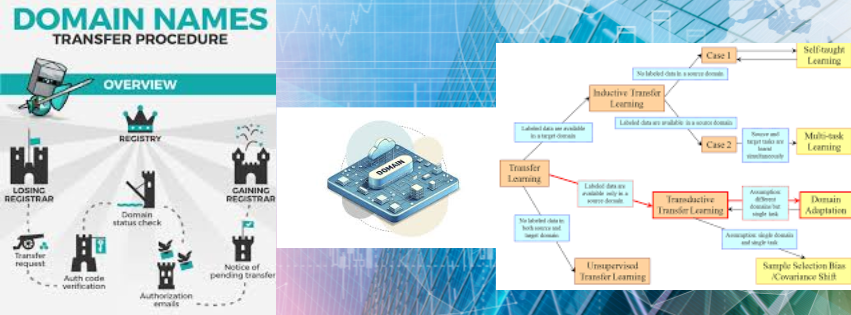
Before we dive into the process, let’s clarify what actually happens during a domain transfer. Your domain name is essentially your digital address on the internet. When you transfer it, you’re moving the registration from one registrar to another, not the website content itself.
Many South African business owners confuse domain transfer with hosting migration. They’re different processes, though they often happen together when you’re moving to a new provider like us at Truehost.

Preparing to Transfer Your Domain Name
The preparation phase determines how smoothly your transfer will go. We always tell our clients that proper preparation prevents problems down the line.

Check Your Domain Eligibility
Not every domain can be transferred immediately. Your domain must meet these requirements:
- Registered for at least 60 days with your current provider
- Not expired or within 15 days of expiration
- Not locked or in redemption period
- No active disputes or legal holds
You can check your domain’s status through your current registrar’s control panel. Most South African hosting companies provide this information in your account dashboard.
Unlock Your Domain
Domain registrars lock domains by default to prevent unauthorized transfers. This security feature protects you, but you’ll need to disable it before initiating a transfer.
Log into your current hosting account and navigate to the domain management section. Look for a setting labeled domain lock, transfer lock, or registrar lock. Disable this setting and save your changes.
How to Transfer a Domain Name: Step-by-Step Process
Now we’re getting to the core of how to transfer a domain name successfully. Follow these steps carefully, and you’ll have your domain transferred without any hiccups.
Step 1: Get Your Authorization Code
The authorization code, also called an EPP code or transfer key, is like a password for your domain transfer. You’ll need this unique code to prove you own the domain.
Request this code from your current provider through their control panel. Most companies send it to your registered email address within a few minutes. We’ve noticed some South African providers take up to 24 hours, so plan accordingly.
Step 2: Update Your Contact Information
Your domain’s administrative email address must be current and accessible. The transfer process requires you to confirm the transfer via email, so outdated contact details will block the entire process.
Verify your WHOIS information before starting the transfer. This public database shows who owns the domain and how to contact them.
Step 3: Initiate the Transfer at Truehost
Once you’ve got your authorization code and verified your contact details, you’re ready to start the actual transfer. We’ve made this process straightforward for our South African clients.
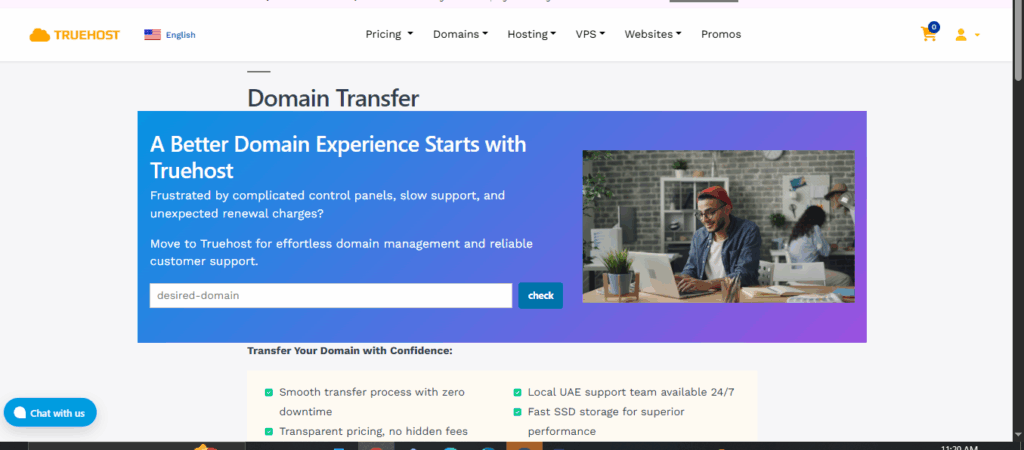
Visit the Truehost domain transfer page and enter your domain name. The system will check if the domain is eligible for transfer and provide you with the next steps.
Enter your authorization code when prompted. Double-check this code carefully because one wrong character will cause the transfer to fail.
Step 4: Confirm the Transfer Request
After submitting your transfer request at Truehost, you’ll receive an email to your administrative contact address. This email contains a link to approve the transfer.
Click the approval link within five days. If you don’t respond, the transfer will automatically cancel, and you’ll need to start over.
Your current provider will also send you an email. Some registrars ask you to confirm you want to leave their service. Others automatically approve after five days of no objection.
Step 5: Wait for Transfer Completion
Domain transfers typically take between 5 and 7 days to complete. During this time, your website will remain online and functional. We monitor all transfers at Truehost to ensure nothing goes wrong.
You’ll receive a confirmation email once the transfer completes successfully. Your domain will now appear in your Truehost account dashboard, and you’ll have full control over it.

Common Transfer Challenges and Solutions
We’ve helped countless South African businesses through domain transfers, and certain issues come up regularly. Here’s how to handle them.
i) Transfer Rejected or Failed
If your transfer gets rejected, the most common culprits are:
| Problem | Solution |
| Incorrect authorization code | Request a new code from your current provider |
| Domain still locked | Unlock the domain and wait 24 hours before retrying |
| Expired contact email | Update your WHOIS information immediately |
| Recent WHOIS changes | Wait 60 days after any WHOIS modifications |
| Domain too new | Domains must be 60+ days old to transfer |
ii) Dealing with Unresponsive Providers
Some hosting companies make transferring away deliberately difficult. If your current provider isn’t responding to your authorization code request, you have options.
Check ICANN’s transfer dispute policy for guidance. As a South African consumer, you also have protection under the Consumer Protection Act. Document all communication attempts with your provider.
iii) Avoiding Downtime During Transfer
Your website should stay online during the transfer, but we recommend taking precautions. Before initiating the transfer, back up your website files and database.
Keep your DNS settings pointed to your current hosting until the transfer completes. We’ll help you update these settings at Truehost once everything is finalized.
After the Transfer: Next Steps
Congratulations on successfully learning how to transfer a domain name. Once your domain arrives at Truehost, we have a few important tasks to complete.
a) Verify DNS Settings
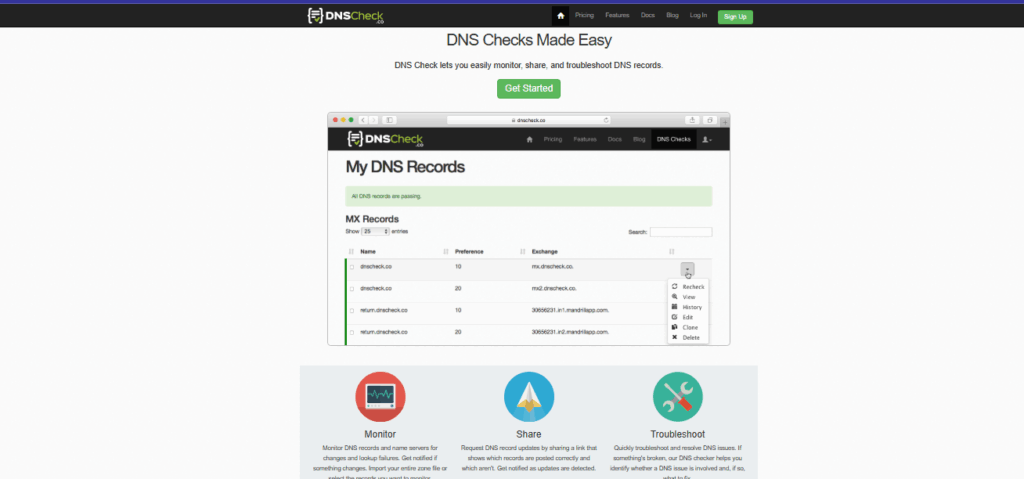
DNS settings tell the internet where to find your website. After transfer, check that your DNS records point to the correct servers.
We provide a DNS management interface where you can view and modify all your records. If you’re moving your hosting to us as well, we’ll update these settings to point to our servers.
b) Renew Your Domain
Domain transfers typically add one year to your registration. However, verify your new expiration date and set up auto-renewal to prevent accidental expiration.
We offer competitive renewal rates for South African businesses, and our auto-renewal feature ensures you never lose your domain to expiration.
c) Update Your Name Servers
Name servers are the primary DNS servers for your domain. After transferring to Truehost, you’ll need to update these to our name servers for full functionality.
You can find our name server information in your welcome email or account dashboard. Update these settings in your domain management panel.
Why Transfer Your Domain to Truehost

We’ve built our reputation in South Africa by making domain and hosting management simple. When you transfer your domain to us, you get more than just a new registrar.
Our local support team understands the unique challenges South African businesses face. From load shedding preparation to optimized local server routing, we’ve got you covered.
We also offer transparent pricing in South African Rands, eliminating exchange rate surprises. Your domain management, hosting, and support all happen under one roof, simplifying your online presence.
Final Thoughts on Domain Transfers
Learning how to transfer a domain name empowers you to choose the best hosting provider for your business. You’re not locked into poor service or high prices just because that’s where you initially registered.
The process takes less than a week and requires minimal effort on your part. We handle the technical complexities while you focus on running your business.
At Truehost, we’re committed to making your transition seamless. Our South African-based support team is ready to assist you at every step of your domain transfer journey.
Ready to make the move? Start your domain transfer to Truehost today and experience hosting built for South African businesses