Web Hosting
 Windows HostingBuilt for Windows apps and websites – stability, speed and flexibility
 Reseller HostingLaunch a hosting business without technical skills or expensive infrastructure
 Affiliate ProgramRefer customers and earn commissions from sales across our platform
 Domain SearchFind and secure a domain name in seconds with our quick lookup tool
 CO ZA Domains
 All DomainsExplore domain names from over 324 TLDs globally – all in one place
 Free Whois Lookup Tool South Africa
 VPS
VPS Website Builder
 Online ShopSet up a sleek eCommerce store with zero coding knowledge
 SSLs
SSLs SupportAccess help articles, how-tos, and everything about our services
 Blog
Blog Contact UsReach our team instantly via live chat or drop us an email
From Side Hustle to Shop Owner
Yebo! So, you’ve got a great product, a bit of that Mzansi hustle, and a dream to start selling online.
Maybe you’re making the best biltong in the Karoo, or you’ve designed some “local is lekker” sneakers.
Whatever it is, you need a way to get your goods to people across South Africa and—most importantly—get paid safely.


The South African market is changing fast. More people are buying on their phones while waiting for the taxi or relaxing at home during load-shedding.
This means the opportunity for you to start a business is huge! But to do it right, you need two things: ecommerce hosting SA and PayFast.
Think of your hosting as the “shop floor” where your products sit, and PayFast as the “speedy till” that accepts everything from Capitec cards to Instant EFT.
In this guide, I’m going to walk you through exactly how to set up your store. No fancy tech talk, just simple steps to get you from “idea” to “cha-ching!” Let’s get stuck in.
Table of Contents
Step 1: Choosing Your “Digital Shop Floor”

Before you can sell a single item, you need a place for your website to live. This is what we call hosting.
When you’re looking for ecommerce hosting SA, you want three things: speed, safety, and a price that won’t break the bank.
We at Truehost know that every Rand counts. That’s why we’ve built our hosting to be the fastest and most affordable in the country.
If your site is slow, your customers will leave before they even see your prices!
When your server is located in South Africa (like ours), your website loads much faster for a customer in Soweto or Stellenbosch than if your server was all the way in America.
Why local hosting is important
| Feature | Local SA Hosting (Truehost) | Overseas Hosting |
| Speed | Fast (Servers are right here) | Slow (Data travels across the ocean) |
| Support | Local “Howzit” (Working hours) | International (Wait until 2 AM) |
| Price | Rands (No hidden fees) | Dollars (Changes every day!) |
| SEO | Better for Google SA | Harder to rank locally |
Step 2: Picking Your Domain Name (.co.za is King)
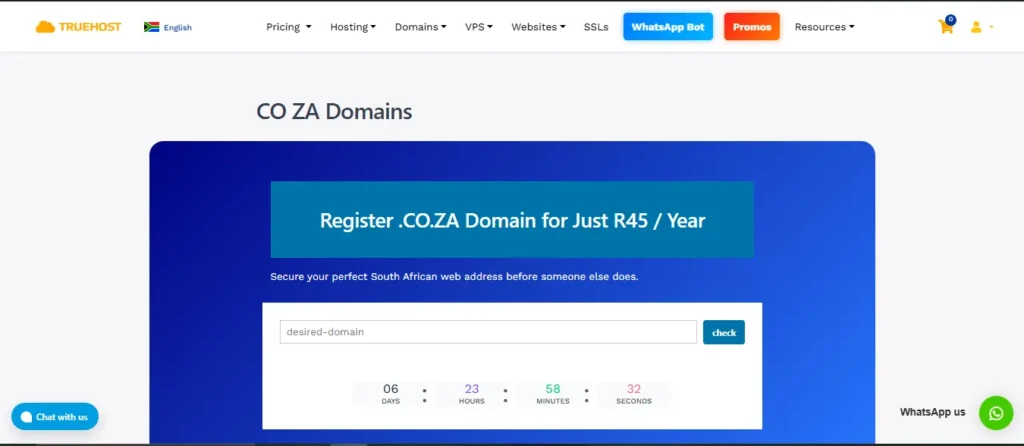
Your domain name is your online address. In South Africa, a .co.za domain is like a badge of trust.
It tells your customers, “Hey, I’m local, and I’m legit.” It also helps with your Google rankings because search engines see that you are targeting the South African market.
When you sign up for an annual plan with us at Truehost, we give you a .co.za domain for free. It’s our way of saying “welcome to the neighborhood.”
Pro-Tip for Picking a Name:
- Keep it short:
karoovelskoen.co.zais better thanthebestmadevelskoenfromthekaroo.co.za. - Avoid numbers: They are hard to remember when people tell their friends about you.
- Use your brand: If your business is “Sipho’s Spices,” try to get
siphospices.co.za.
Step 3: Installing Your Store (The One-Click Magic)
You don’t need to be a computer whiz to build a store. Most Mzansi entrepreneurs use WordPress with WooCommerce. It’s like the “VW Polo” of online shops—reliable, easy to fix, and everyone knows how to use it.
Inside your Truehost dashboard, we have a “One-Click Install” button. You click it, and boom—your website is ready to be decorated.
Once WordPress is installed, you need to add the WooCommerce plugin. This turns your site from a blog into a shop where you can add:

- Product Categories: (e.g., “Men’s Shoes,” “Women’s Shoes”).
- Product Images: Use bright, clear photos. Nobody buys a product they can’t see properly!
- Descriptions: Write like you’re talking to a friend. Instead of “Cotton Shirt,” try “Soft, breathable cotton shirt—perfect for a sunny day at the Braai.”
Step 4: Setting Up Your PayFast Account

Now for the exciting part: getting paid! PayFast is South Africa’s favorite payment gateway because it’s secure and easy for your customers.
They don’t have to worry about their details being stolen, and you don’t have to worry about fraudulent payments.
How to Sign Up for PayFast:
- Visit PayFast.co.za: Click “Sign Up” and choose a “Business” or “Individual” account.
- Upload Your Docs: You’ll need your ID and proof of bank account. This is just for FICA, the same way you need it to open a bank account at FNB or Nedbank.
- Get Your Keys: Once verified, PayFast will give you a Merchant ID and a Merchant Key. You will also get a Passphrase. Keep these safe! They are the “keys” to your till.
Step 5: Connecting PayFast to Your Store
This is where the magic happens. You need to tell your website to send customers to PayFast when they click “Checkout.”
- Download the Plugin: In your WordPress dashboard, go to “Plugins” > “Add New” and search for “PayFast.”
- Install & Activate: Click install and then “Activate.”
- Enter Your Details: Go to WooCommerce > Settings > Payments. Click on “PayFast” and paste in your Merchant ID, Merchant Key, and Passphrase.
- Save Changes: Now, your store is ready! Your customers can pay via Credit Card, Instant EFT (which is very popular in SA), and even Scan to Pay.
Step 6: Shipping and Logistics (Getting the Goods to the Customer)
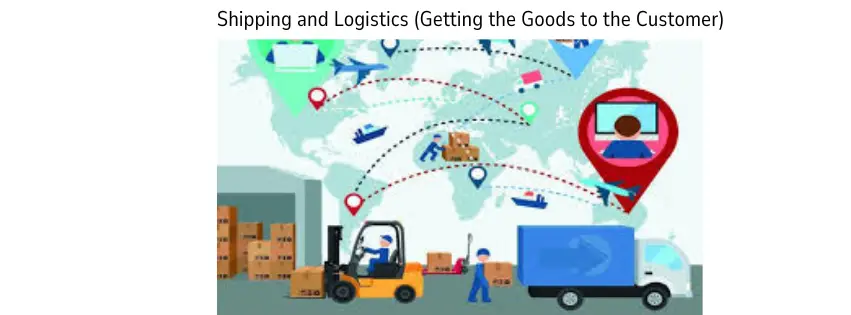
Making the sale is great, but getting the product to the customer is where you build a good reputation. In South Africa, we have some great courier options that work perfectly with ecommerce hosting SA sites.
Top SA Shipping Options:
- The Courier Guy: Everyone knows them. They are reliable and have a great plugin for WooCommerce.
- Pargo: Great if your customers aren’t home during the day—they can pick up their parcel at a nearby shop (like Clicks or FreshStop).
- Aramex Store-to-Door: A flat fee that you can buy at many retail stores.
We recommend setting up “Flat Rate Shipping” first. For example, R100 for delivery anywhere in Mzansi. This keeps it simple for the customer at checkout.
Step 7: Security and POPIA (The Serious Stuff)
In South Africa, we have the POPI Act. This means you must keep your customers’ personal information (like their home address and phone number) safe.
When you host with us at Truehost, we include a Free SSL Certificate. This is the “green padlock” you see in the browser bar. It encrypts the data so hackers can’t see it.
It also makes your customers feel safe enough to enter their details on your site. Without an SSL, Google might show a “Not Secure” warning, which is bad for business!
Step 8: Marketing and SEO (Getting Found)

Once your store is live, you need to bring in the crowds. This is where SEO (Search Engine Optimization) comes in. You want to use keywords that people are searching for.
For example, if you sell handmade jewelry, make sure you use words like “Handmade Jewelry South Africa” in your product titles. Also, keep the term ecommerce hosting SA in mind if you are blogging about your journey, as it helps search engines understand your local relevance.
Quick Marketing Checklist:
- Social Media: Share your products on Facebook and Instagram. Use hashtags like #LocalIsLekker.
- WhatsApp Business: This is a goldmine in SA. Add your shop link to your status.
- Email Marketing: Ask people to sign up for your newsletter so you can tell them about sales.
Step 9: Testing Before You Go Live
Before you tell your Auntie and all your WhatsApp groups about your new shop, do a test run.
- Check the Links: Click every button to see if it works.
- Mobile View: Open your site on your phone. Most South Africans shop on mobile, so it must look good there!
- Sandbox Mode: Use “Sandbox Mode” in PayFast to pretend-buy something. Make sure the emails go out and the order shows up in your WooCommerce dashboard.
Summary of Costs for Beginners
Starting a business is scary, but the costs shouldn’t be. Here is a breakdown of what you might spend to get started with the best ecommerce hosting SA:
| Item | Estimated Cost | Why You Need It |
| Hosting (Truehost) | From R35/month | To keep your site online 24/7. |
| Domain (.co.za) | FREE (Annual plans) | Your professional address. |
| SSL Certificate | FREE (with Truehost) | To keep customer data safe. |
| Payment Gateway | No monthly fee | PayFast only takes a % per sale. |
| Shipping Plugin | FREE (Basic versions) | To calculate delivery costs. |
Why Truehost is the Best Choice for You
We know there are many choices out there, but at Truehost, we are built for the Mzansi entrepreneur.
- Local Support: If you get stuck, our team is here to help in a way that makes sense to you.
- Affordability: We offer the most competitive prices in the market because we want to see small businesses grow.
- Reliability: Our servers have 99.9% uptime. That means your shop never “closes.”
Conclusion: Let’s Get Your Shop Online!
Building an online store in South Africa has never been easier. With the right ecommerce hosting SA and a solid PayFast setup, you can turn your passion into a real business. Don’t let the technical stuff scare you off—it’s just a series of small steps that lead to a big reward.
Imagine waking up to see that you made five sales while you were sleeping. That is the power of an online store. Whether you’re in Jozi, Durbs, or a small town in the Free State, the whole country is now your customer base.
At Truehost, we pride ourselves on being the backbone of Mzansi’s digital entrepreneurs. We’ve seen many small side hustles turn into big brands, and we want you to be the next one.
Ready to start selling?
Click here to grab your Ecommerce Hosting SA plan from Truehost and get your FREE .co.za domain today!