Web Hosting
 Windows HostingBuilt for Windows apps and websites – stability, speed and flexibility
 Reseller HostingLaunch a hosting business without technical skills or expensive infrastructure
 Affiliate ProgramRefer customers and earn commissions from sales across our platform
 Domain SearchFind and secure a domain name in seconds with our quick lookup tool
 CO ZA Domains
 All DomainsExplore domain names from over 324 TLDs globally – all in one place
 Free Whois Lookup Tool South Africa
 VPS
VPS Website Builder
 Online ShopSet up a sleek eCommerce store with zero coding knowledge
 SSLs
SSLs SupportAccess help articles, how-tos, and everything about our services
 Blog
Blog Contact UsReach our team instantly via live chat or drop us an email
If you’re tired of manually moving data between apps or paying a fortune for automation tools that nickel-and-dime you per task, n8n is worth a look.
It’s an open-source platform that lets you connect your apps through a visual canvas.
You drag and drop nodes; each one does a single job. One node watches for a new form submission.
Another sends that data to your CRM. A third drops the person into your email list. String them together, and you’ve got an automation that runs itself.

What makes n8n unique?

So, most tools charge you per task or cap the number of workflows you can run. n8n lets you self-host for free, so you can run as many automations as your server can handle without per-execution fees or surprise bills.
The interface is also more flexible; you can drop in custom JavaScript or Python when the pre-built nodes don’t quite do what you need.
And since it’s open-source, you can see exactly what’s happening behind the scenes. No wondering where your data goes or why something broke.
And that’s exactly why businesses are walking away from platforms like Zapier or Make. Those per-task costs pile up fast when you’re processing thousands of automations.
With n8n self-hosted, your only cost is the server. Your data stays behind your own firewall, which is critical if you’re in healthcare, finance, or legal.
Table of Contents
Why Your Business Should Care About n8n
- Minimal human errors: Automation removes typos, missed fields, and copy-paste mistakes. Set it up once, and it runs perfectly every time.
- Improved production: Stop wasting hours manually moving data. Let the workflow handle it instantly so your team can focus on real work.
- Happy customers: Orders ship on time, leads get followed up faster, nobody falls through the cracks, and automation directly improves the customer experience.
- Scalability: n8n handles 10 tasks or 10,000 the same way. No execution caps, no throttling as you grow.
- Your data stays private: Self-hosted n8n keeps your data on your own servers. No customer information or internal data passes through third-party systems.
What’s the Best Way to Host n8n for a Business?
| Features | N8n Cloud | Self-hosted |
| Setup | Sign up and start building immediately | Set up your own servers or VPS |
| Maintanance | None; handled by n8n | You manage updates, backups, and monitoring |
| Customization | Limited to available features | Full control: custom nodes, scripts, and environment tweaks |
| Data privacy | Data routes through third-party servers | Data stays on your own infrastructure |
| Best for | Testing, small teams, or no technical staff | Production use, custom needs, strict privacy requirements |
n8n Building Blocks Every Business Should Know
a) Nodes
Nodes are the individual steps in your workflow. Each node does exactly one thing.
It might trigger the workflow, process some data, or execute an action in a connected app. You chain nodes together to build complete automations.
b) The workflow canvas
The canvas is where you build your automations. You drag nodes onto the canvas, connect them in the order you want them to run, and configure each one in a side panel.
The visual layout makes it easy to see what’s happening. When something breaks, you can immediately see which node failed and why.
c) Webhooks
A webhook is a URL that triggers your workflow when an event occurs.
When a form is submitted, a payment is processed, or an email arrives, the external service sends data to your webhook URL, and n8n starts running. This is how most real-time automations work.
d) Credentials
Credentials are your API keys and login information for the services you connect. n8n stores these securely and applies them to the relevant nodes in your workflows.
You set them up once and use them across multiple workflows.
Simplest Way to Set Up Your First Workflow
1) Set up your instance
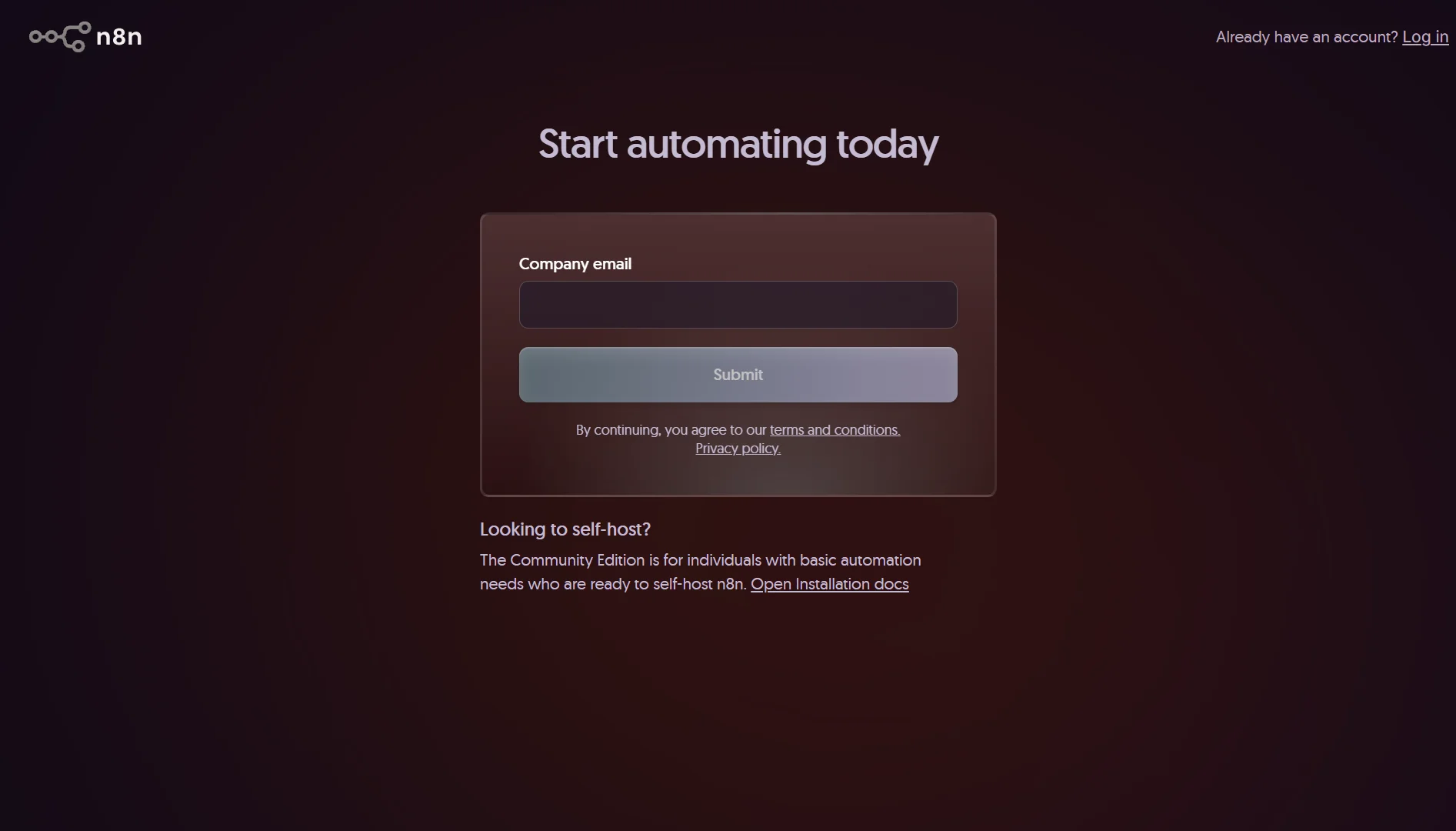
Sign up for n8n Cloud or spin up a self-hosted version. If you’re just trying things out, the cloud version takes a few minutes to get started, and you can always export your workflows and move to self-hosting later.
2) Pick a trigger
Every workflow starts with a trigger. The simplest one to start with is a schedule trigger. Set it to run once a day, and you’ve got a predictable test case.
If you want something more interactive, use a webhook trigger. Point any service at the URL n8n gives you, and the workflow fires instantly.
3) Add an action
Connect a second app to respond to that trigger. Want to send a Slack message when the workflow runs? Add a Slack node.
Want to store data in Google Sheets? Add a Sheets node. Fill in your credentials and configure what you want the action to do

4) Test it live
Click Execute Workflow. n8n walks you through every step and shows you the data that passes through each node.
If something’s wrong, you’ll see where it failed and which data caused the problem, so you can fix the configuration and test again.
5) Tweak and expand
Once the basic workflow works, start layering in more steps, add conditional logic, include data transformation nodes, and connect additional services.
The first workflow is always the hardest. Once you understand the pattern, building more becomes much faster.
Tips to Avoid Beginner Mistakes
- Save workflows like code: Export workflows as JSON files and store them in version control. This gives you change history, easy rollbacks, and reusable components across workflows.
- Build fail-safes: Set up error handling and notifications so failures don’t go unnoticed. Use retry logic for temporary issues. A workflow that fails silently is worse than no automation.
- Monitor performance: Check n8n’s logs regularly for execution times, error rates, and data volumes. Catch problems before they escalate.
- Set team permissions early: In the free Community Edition, only the instance owner and the workflow creator have access. Plan permissions upfront before workflows start multiplying.
N8n Limitations You Should Know
The visual editor is easy to use, but building complex workflows requires some understanding of data structures and APIs.
Simple automations are fine for non-technical users, but advanced ones need someone who knows how data flows between systems.
Self-hosting puts you in charge of server setup, security patches, backups, monitoring, and scaling. If something breaks, it’s your problem. So you need to be ready to take on that responsibility.
n8n itself is lightweight, but heavy workflows need proper hardware. If you’re processing large data volumes or running thousands of concurrent executions, you’ll require a server with enough CPU and memory.
The platform includes over 400 built-in integrations, which cover the most popular tools.
But if you’re using an obscure or internal system, you’ll need to build your own node or use the HTTP Request node to connect via API.
Is It Worth It for Your Business?
If you have simple automations with low volume, a cloud automation tool might be easier. The setup is quicker, and you don’t have to think about infrastructure.
But if you’re processing significant volume, handling sensitive customer data, or building complex multi-step automations, n8n is worth the investment.
The predictable costs alone can save thousands per year compared to per-execution pricing.
The platform also grows with you. Start with simple workflows, add complexity as your needs evolve, then build AI-powered automations when you’re ready. You won’t outgrow it.
Deploy n8n On Your Own VPS with Truehost
If you’ve decided self-hosting is the right path, you need reliable infrastructure. That’s where we come in.
Our KVM VPS plans are built specifically for n8n. We handle the setup so you don’t have to.
Choose your server size, and we automatically install PostgreSQL, configure reverse proxies, and issue free SSL certificates. Your environment is live in minutes.
For example, our entry-level N8N KVM1 plan gives you 1 vCPU core, 2 GB RAM, 50 GB NVMe storage, and 4 TB bandwidth for just R171.53 per month when billed triennially.
We offer a flat, honest monthly rate with no usage caps. Run as many workflows as your virtual server can handle.
No surprise fees. No pay-per-execution pricing. Just predictable costs that save you thousands compared to cloud plans.
You also get full SSH root access. Install premium community nodes. Run background Python scripts. Add custom npm modules. Customize Dockerfiles. Whatever your automation needs, you have the freedom to make it happen.
Start automating with Truehost today. Pick your server size, and we’ll have you up and running before you know it.