Web Hosting
 Windows HostingBuilt for Windows apps and websites – stability, speed and flexibility
 Reseller HostingLaunch a hosting business without technical skills or expensive infrastructure
 Affiliate ProgramRefer customers and earn commissions from sales across our platform
 Domain SearchFind and secure a domain name in seconds with our quick lookup tool
 CO ZA Domains
 All DomainsExplore domain names from over 324 TLDs globally – all in one place
 Free Whois Lookup Tool South Africa
 VPS
VPS Website Builder
 Online ShopSet up a sleek eCommerce store with zero coding knowledge
 SSLs
SSLs SupportAccess help articles, how-tos, and everything about our services
 Blog
Blog Contact UsReach our team instantly via live chat or drop us an email
Running n8n on a VPS gives you full control over automation, but it also means you are fully responsible for securing your workflows, data, and server. If security is weak, exposed dashboards, open webhooks, or leaked credentials will be exploited very quickly. Most issues come from setup gaps, not the tool itself.
Here are a few common n8n workflow weak spots to watch out for.
- An exposed dashboard is where anyone on the internet can open your n8n login page and try to guess their way in.
- An open webhook workflow trigger link that anyone can call, even people you never meant to give access to.
- A leaked credential, when an API key or password gets typed directly into a workflow instead of being stored safely, so anyone who sees that workflow can see the key too.
- Weak passwords, outdated software, and unused open ports attract attackers who slip in.
- An unrestricted execution node is another sneaky risk, since it can let a workflow run commands or read files it was never meant to touch.
Knowing how to make n8n workflows secure means closing every one of these small gaps before they become big problems.
None of these risks show up because n8n is a bad tool. They show up because a server was set up quickly, without thinking through who might try to poke at it later. The good news is that fixing each weak spot does not take advanced skills. Most of the work is just flipping the right switches in the right order, which is exactly what the steps below will walk you through.

Here is how to secure your n8n workflows properly using clear steps.

Table of Contents
1) Enable Basic Authentication
Turn on login protection for your n8n instance. Think of this as putting a lock on your front door. Without it, anyone who finds your n8n link can just walk right in and start looking around at your workflows, your connected accounts, and anything else stored inside.
Here is how to enable basic authentication:
- Set a strong username and password using environment variables
N8N_BASIC_AUTH_ACTIVE=true

N8N_BASIC_AUTH_USER=your_user

N8N_BASIC_AUTH_PASSWORD=strong_password
This single step is one of the easiest ways to start learning how to make n8n workflows secure, since it stops random visitors before they even reach your workflows.
2) Use HTTPS Instead of HTTP
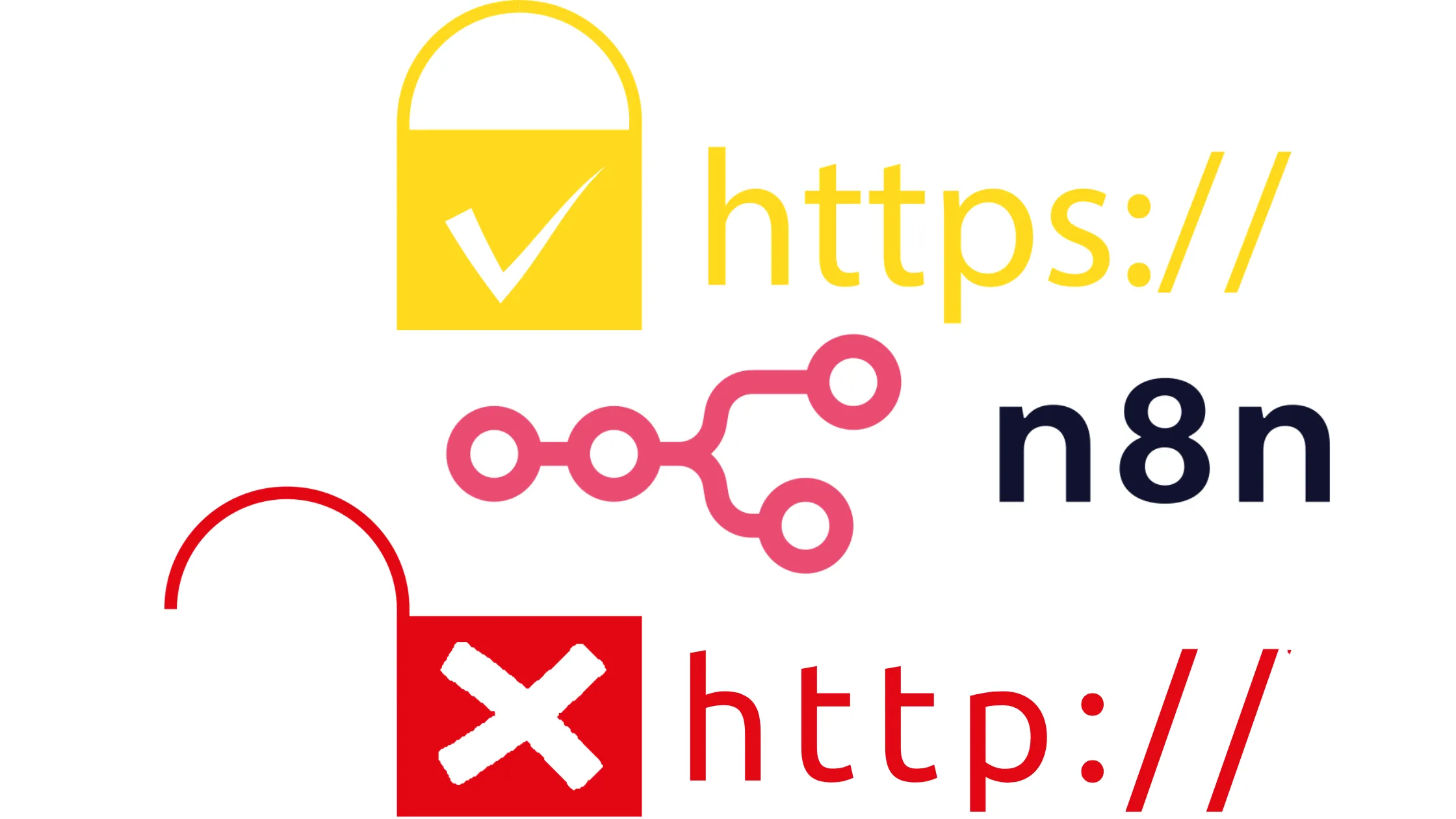
Secure all traffic between users and n8n. HTTPS wraps your data in a protective layer as it travels across the internet, so nobody can peek at it along the way. Without it, your login details and workflow data would travel in the open, where anyone watching the connection could read them.
Here are steps on how to use HTTPS instead of HTTP to secure your n8n workflows.
- Install SSL using Let’s Encrypt or a reverse proxy like Nginx
- Force an HTTPS redirect so nothing loads over plain HTTP
- Update your webhook URLs to HTTPS
Without this step, passwords and data could travel across the internet in plain text, which is a risky habit for anyone serious about how to make n8n workflows secure.
3) Restrict Access with Firewall Rules
Only allow trusted IPs to access your VPS. A firewall works like a guard standing at the gate, checking who is allowed in and turning everyone else away before they even reach your server.
Here’s how to restrict access with firewall rules on your n8n VPS.
- Use UFW or your VPS provider’s firewall
- Allow only ports 80, 443, and SSH port 22
- Block all unused ports
Every open port you do not need is a door left unlocked, so trimming them down is a simple part of how to make n8n workflows secure.
4) Secure Your Webhooks
Prevent unwanted external calls. Webhooks are convenient because they let outside apps trigger your workflows. But the same convenience can be misused if anyone can call them, since a public webhook URL is technically visible to anyone who guesses or finds it.
Here’s how you secure your webhooks:
- Use webhook authentication with a header or token
- Add secret query parameters to your webhook URLs
- Validate incoming requests inside your workflows
This step is often overlooked, yet it plays a big part in how to make n8n workflows secure, since webhooks are one of the most common entry points for attackers.
5) Store Secrets in Environment Variables
Never hardcode API keys inside workflows. Typing a key directly into a workflow is a bit like writing your house key number on your front door for anyone to read, and it becomes even riskier if that workflow is ever shared, exported, or backed up somewhere less secure.
Steps to store secrets in environment variables:
- Use a
.env fileor your VPS environment config - Store API keys, tokens, and passwords securely
- Reference these variables inside the n8n credentials panel
Keeping secrets out of plain sight is a small habit that makes a huge difference when you are figuring out how to make n8n workflows secure long term.
6) Enable User Role Restrictions (If Self-Hosted Multi-User)
Control who can edit or view workflows. If more than one person uses your n8n instance, not everyone needs the same level of access, and giving everyone full control usually leads to accidental mistakes rather than deliberate harm.

Steps to enable user role restrictions:
- Create separate user roles for your team
- Limit editor access to only trusted users
- Disable permissions nobody actually needs
Giving people only what they need to do their job is a smart habit, and it is another piece of how to make n8n workflows secure as your team grows.
7) Protect Database Access
Your n8n database is sensitive, since it holds details about your workflows and stored credentials. Leaving it open is like leaving a filing cabinet full of passwords sitting outside, where anyone passing by could open a drawer and look through it.
Protect it immediately using these steps:
- Use strong database passwords
- Restrict database access to localhost only
- Avoid exposing database ports publicly
A protected database is one of the quieter steps people forget, but it is still central to how to make n8n workflows secure from top to bottom.
8) Keep n8n Updated
Security patches fix vulnerabilities. Developers are always finding and fixing weak spots, but those fixes only help you if you install them, so an outdated instance can end up defenseless against a problem that was already solved months ago.
Here’s how to keep your n8n up-to-date:
- Regularly update n8n to the latest stable version
- Update your VPS packages using apt update && apt upgrade
- Restart the service after updates
Skipping updates leaves old holes open even after they have been patched.
9) Limit Execution Permissions
Reduce risk from malicious workflows. Not every node or script needs full access to your server, and giving too much freedom can backfire if something goes wrong, whether that is a mistake by a teammate or a workflow imported from somewhere you do not fully trust.
Follow these steps to limit execution permissions:
- Disable nodes you are not using
- Restrict file system access where possible
- Avoid running untrusted code nodes
Cutting down on unnecessary permissions shrinks the damage a mistake or attack could cause, which makes it an important part of how to make n8n workflows secure.
10) Enable Logging and Monitoring
Track suspicious activity early. Logs act like a diary of everything happening on your server, so you can spot trouble before it grows into a real problem instead of finding out only after something has already gone wrong.
Here’s what to do:
- Enable execution logs
- Monitor failed login attempts
- Set alerts for unusual workflow behavior
Watching your logs regularly is one of the last habits that rounds out how to make n8n workflows secure. It helps you catch problems while they are still small.
Keep Your n8n Workflows Secure Always
Keeping your n8n workflows secure is not something you set and forget. As your automation grows, so does your exposure. Every new workflow, integration, or webhook creates another point that needs protection.
That is why security must evolve alongside your system.
You need strong authentication, encrypted connections, controlled access, and continuous monitoring to keep your n8n workflows running safely, reliably, and without interruption.
With that in mind, learning how to make n8n workflows secure should not be a one-time task. Make it an ongoing habit that grows stronger the more consistently you practice it.
In the end, secure automation is sustainable automation. Following these ten steps is the clearest path to how to make n8n workflows secure, whether you are running one simple workflow or dozens of them across your business.
To make this easier, you need a hosting environment that prioritizes stability and security from the start. With n8n Truehost hosting, you get reliable infrastructure designed to support tools like n8n, helping you run secure workflows with confidence while scaling without risk.