Web Hosting
 Windows HostingBuilt for Windows apps and websites – stability, speed and flexibility
 Reseller HostingLaunch a hosting business without technical skills or expensive infrastructure
 Affiliate ProgramRefer customers and earn commissions from sales across our platform
 Domain SearchFind and secure a domain name in seconds with our quick lookup tool
 CO ZA Domains
 All DomainsExplore domain names from over 324 TLDs globally – all in one place
 Free Whois Lookup Tool South Africa
 VPS
VPS Website Builder
 Online ShopSet up a sleek eCommerce store with zero coding knowledge
 SSLs
SSLs SupportAccess help articles, how-tos, and everything about our services
 Blog
Blog Contact UsReach our team instantly via live chat or drop us an email
Are you stuck trying to pick an automation tool because they all look the same to you?
Every automation workflow tool says:
- It does automation.
- It connects your apps.
- It saves you time.
So at first, picking one feels easy. But here is the catch.
Once you start using these workflow automation tools for real, they all start to look very different. Some get expensive fast. Some break once your work gets bigger. Some give you control but make you do extra setup work. Others are simple but stop you from building more.

This is the real problem with n8n vs alternatives. It is not about which tool is good today. It is about which tool still works once your automation grows bigger and becomes a big part of your business.
So let’s go through each n8n alternative workflow tool, one by one, and see what holds up and what falls apart.

Table of Contents
1) Zapier
| Plan | Price (USD/mo) | Usage Limit | Key Features |
| Free | $0/mo | 100 tasks/mo | Single-step Zaps only, 5 active Zaps, 15-min update intervals, Zapier Copilot, Tables & Forms basic access |
| Professional | $29.99/mo (monthly) $19.99/mo (annual) | 750 tasks/mo (scales up to 2M tasks) | Multi-step Zaps, premium app integrations (Salesforce, HubSpot), webhooks, AI tools, Zapier MCP, Tables & Interfaces included, 15-min updates, pay-per-task overage available |
| Team | $103.50/mo (monthly) $69/mo (annual) | 2,000 tasks/mo (scales upward) | Everything in Professional + shared workspaces, shared app connections, up to 25 users, live chat support from 2,000 task tier, centralized billing |
| Enterprise | Custom (contact sales) | Annual task limits (no monthly expiry) | Everything in Team + unlimited members, advanced admin permissions, technical account manager, enterprise SSO, deeper discounts for high volume |
Zapier is a good pick if you want automation up and running quickly, with no tricky setup steps. At the Professional tier, you pay $19.99 a month if you go annuall, or $29.99 a month if you pay monthly. Once your team grows and you need shared tools, the Team tier costs $69 a month annually or $103.50 a month. After that, Enterprise pricing is custom, based on how much you use it.
With Zapier, setup is fast and simple. You connect your apps in a few clicks. Small, simple tasks run smoothly with no fuss.
But here is where it gets tricky with Zapier.
- Cost rises every time workflows run more often
- Multi-step logic becomes restrictive very quickly
- Complex branching feels limited or inefficient
- No control over infrastructure or execution system
- Workflows stay shallow when systems need depth
2) Make
| Plan | Price (USD/mo) | Usage Limit | Key Features |
| Free | $0/mo | 1,000 credits/mo, 2 active scenarios | Visual workflow builder, 3,000+ app integrations, routers & filters, 15-min minimum interval, AI agents included |
| Core | $9/mo (annual) ~$10.59/mo | 10,000 credits/mo (20k–8M+ add-ons available) | Unlimited active scenarios, 1-min minimum interval, full app catalog, Make API access, webhooks, ~15% annual discount |
| Pro | $16/mo (annual) ~$18.82/mo | 10,000 credits/mo (same add-ons) | Everything in Core + priority execution, custom variables, full execution log search, advanced error handling |
| Teams | $29/mo (annual) ~$34.12/mo | 10,000 credits/mo, credits rollover annually | Everything in Pro + team roles & permissions, shared scenario templates, multiple users, priority execution |
| Enterprise | Custom pricing | Custom credit volumes | Everything in Teams + SSO/SCIM, audit logs, enterprise app integrations (Workday, ServiceNow), advanced security, 24/7 enterprise support, overage protection |
Make is the tool you move to once Zapier starts feeling too small for what you need. Pricing runs from $9 a month at the Core tier up to $29 a month at the Teams tier, with monthly billing pushing those numbers a bit higher, all depending on how many credits your work uses up.
With Make automation tool, you get:
- Multi-step workflow building
- Add branches for different conditions
- Better control over how data moves between apps
But growth brings its own problems here, too.
- Your workflows can get messy and hard to follow on screen.
- Your cost climbs as your credit use climbs.
- Everything runs in the cloud, so you do not get full control.
- Big workflows become harder to manage and maintain the bigger they get.
So Make is solid for organized automation. It starts to struggle once your workflows turn into something heavy and complex.
3) Gumloop
| Plan | Price (USD/mo) | Usage Limit | Key Features |
| Free | $0/mo | 5,000 credits/mo (some sources say 2,000) | 2 concurrent flow runs, 2 list steps, forum support, visual no-code canvas, basic AI nodes, web scraping |
| Pro | $37/mo (monthly), $29.60/mo (annual, ~20% off) | 20,000+ credits/mo | Unlimited seats, unlimited teams, 5 concurrent runs, 25 concurrent agent interactions, team usage analytics, BYO API keys, custom nodes, event triggers |
| Enterprise | Custom pricing | Custom credit allocation | Private infrastructure, SSO/SCIM, audit logs, incognito mode, on-call support, hosted LLMs, custom implementation, Gumstack compliance controls |
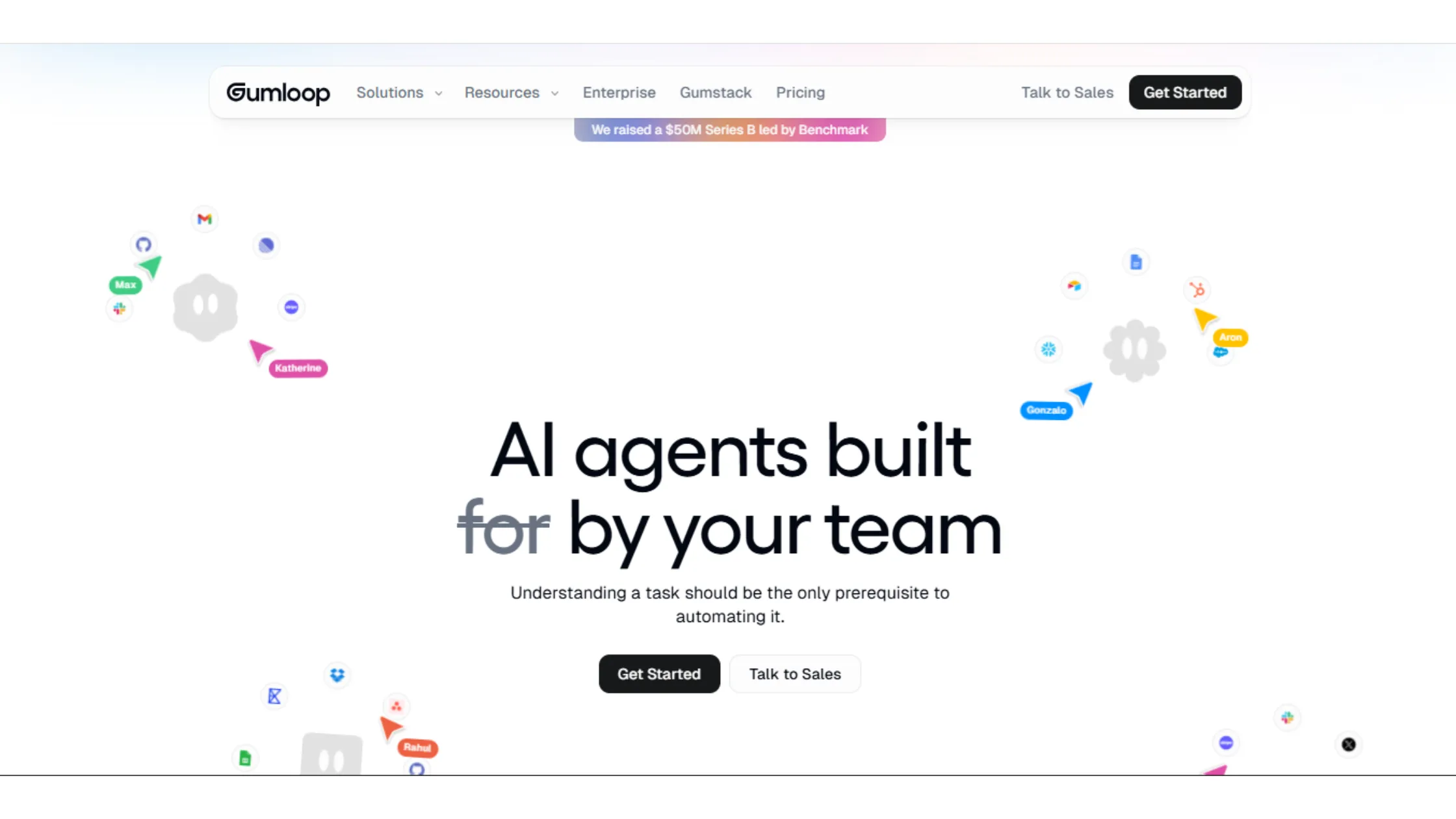
Gumloop makes sense if your work leans heavily on AI, not just connecting apps. At the Pro tier, you pay $29.60 a month if billed annually, or $37 a month if billed monthly. Enterprise pricing is custom from there.
With Gumloop, you get AI that reads and reshapes text for you. It can pull clean information out of messy, unstructured data. Your automation runs on smart thinking instead of strict, fixed rules.
But limits show up quickly once you try to scale.
- It was not built to be a full automation system.
- Connecting many apps is not its strong point.
- AI costs climb steadily the more you use it.
- Everything runs in the cloud, so control stays limited.
- The whole tool stays narrowly focused on AI tasks alone.
So Gumloop shines when AI is the main job. It gets restrictive once you need a complete workflow system around it.
4) Lindy AI
| Plan | Price (USD/mo) | Usage Limit | Key Features |
| Free Trial | $0 (7 days) | 500 credits, 400 tasks | Full Plus feature access for 7 days; inbox management, meeting scheduling, iMessage-based AI assistant, 3,000+ integrations |
| Plus | $49.99/mo | Standard usage (~1,500 tasks/mo equiv.) | 1 connected inbox, AI inbox management, meeting scheduling & follow-up, meeting recording & notes, reply drafting in your voice, hundreds of integrations (Gmail, Slack, HubSpot, Salesforce) |
| Pro | $99.99/mo ($49.79/mo annual) | 3x usage of Plus (3 connected inboxes) | Everything in Plus + 3 email inboxes, built for professionals who delegate throughout the day, higher credit pool, suitable for small teams |
| Max | $199.99/mo | 7x usage of Plus (5 connected inboxes) | Everything in Pro + 5 email inboxes, all-day delegation, across inbox, meetings, research, and ops, for the heaviest workloads |
| Enterprise | Custom pricing (~$1,500 onboarding fee) | Custom usage volume | Everything in Max + SSO, SCIM provisioning, audit logs, dedicated onboarding, custom integrations, SOC 2 Type II, HIPAA, GDPR compliance |
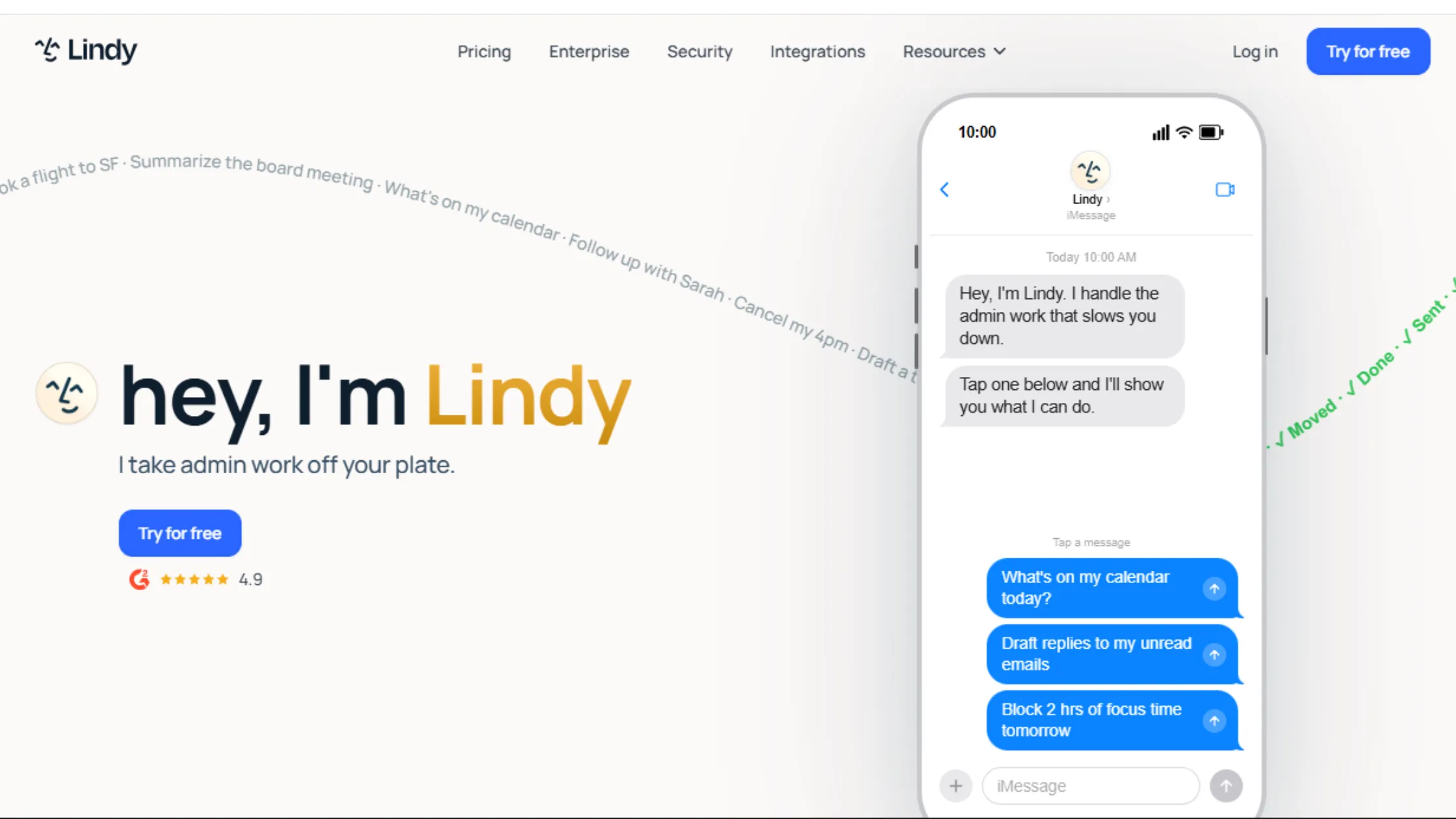
Lindy AI feels less like building a workflow and more like hiring a helper. Pricing runs from $49.99 a month at the Plus tier up to $199.99 a month at the Max tier. Enterprise pricing is custom and adds an onboarding fee of around $1,500.
Lindy AI takes a goal you give it and just runs with it, no manual setup needed. It deploys fast since you are not designing every step yourself. The AI handles the work across all your connected tools.
But growth within Lindy AI brings real uncertainty.
- You do not get much control over the exact steps it takes behind the scenes.
- The more you rely on it, the less predictable it feels.
- It does not offer much structure for complex, multi-step systems.
- Being stuck in the cloud also limits your flexibility.
So, Lindy AI works well for getting tasks done quickly. It breaks down once you need a tight, structured system.
5) Relevance AI
| Plan | Price (USD/mo) | Usage Limit | Key Features |
| Free | $0/mo | 200 Actions/mo, $2 vendor credits (one-time) | Unlimited agents, tools & 1 workforce; 1 user, 1 project, 30-day task history, community forum, marketplace access (400+ templates) |
| Pro | $19/mo (annual) ~$28/mo (monthly) | 30,000 Actions/year, $240 vendor credits/year | Unlimited workforces, 2 build users, scheduled tasks, chat mode, smart escalations, activity center, premium app triggers, BYO LLM keys, SOC 2 & GDPR compliance |
| Team | $234/mo (annual) | 84,000 Actions/year, $840 vendor credits/year, unused credits rollover | Everything in Pro + 5 build users, 45 end users, 5 shared projects, calling & meeting agents, A/B testing, analytics dashboard, priority support |
| Enterprise | Custom pricing | Custom Actions & credits, unlimited users & projects | Everything in Team + enterprise app triggers, agent evaluations, work hour controls, multi-org management, enterprise security, dedicated account manager, SSO/SAML, RBAC |
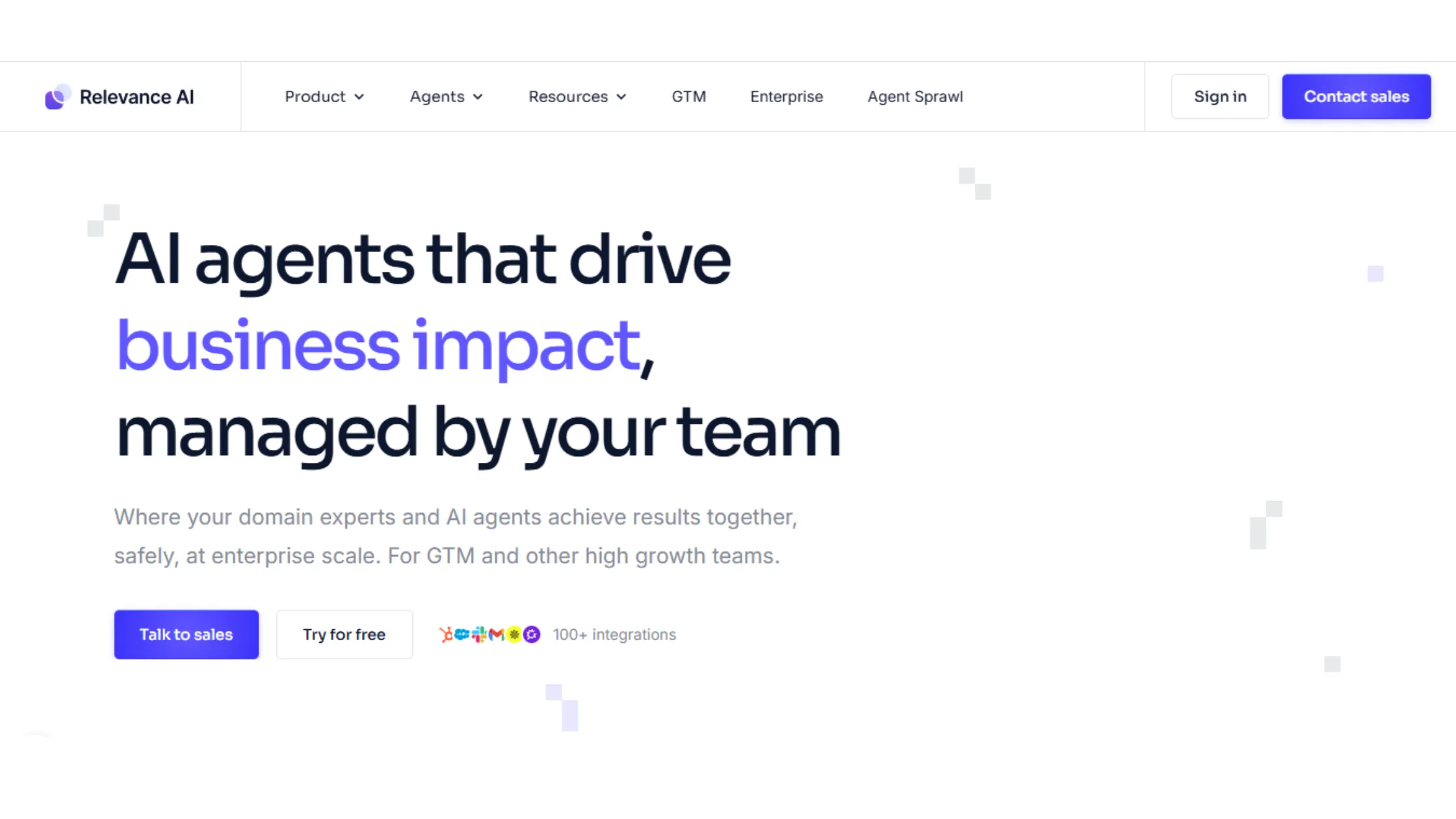
Relevance AI automation tool fits best when your work is all about sorting and understanding data. The Pro tier runs $19 a month, annually, or $28 a month, and the Team tier jumps to $234 a month.
Relevance AI workflow automation tool can:
- Sort and label data using AI.
- Pulls clear insights out of raw, messy information.
- Handles large amounts of data without much trouble.
However, limits show up fast once you try to scale past data work in Relevance AI. It was not built for general, everyday automation.
- Connecting different apps is not where it shines.
- It only runs in the cloud.
- Outside of data tasks, it does not flex much.
- It also leans heavily on having clean, structured data to work with in the first place.
So, Relevance AI is great for data work specifically. It does not work well as a general automation tool.
6) Relay.app
| Plan | Price (USD/mo) | Usage Limit | Key Features |
| Free | $0/mo | 200 steps/mo, 500 AI credits/mo | 1 user, all integrations (100+ apps) included, human-in-the-loop approvals, basic polling speed, free test runs weekly |
| Professional | $19/mo (annual) | 750 steps/mo, 5,000 AI credits/mo | Everything in Free + 1 user, priority polling, faster triggers, supports GPT/Claude/Gemini AI steps without separate API keys |
| Team | $69/mo (annual) | 2,000 steps/mo, 5,000 AI credits/mo | Everything in Professional + up to 10 users, shared workflows, shared app connections, team collaboration features |
| Enterprise | Custom pricing | Custom step & credit limits | Everything in Team + compliance features, SSO, custom integrations, white-glove support, unlimited users |
Relay.app stands out for one reason. It pauses for human approval before it runs certain steps. Pricing runs $19 a month at Professional up to $69 a month at the Team tier, both billed annually.
With the Relay.app automation workflow tool, you get an approval step built right into your automation. This gives you tighter control over what actually runs. It makes automation feel safer, since a person checks it first.
But that safety comes with trade-offs.

- Waiting for approval slows things down.
- It is not fully hands-off automation by design.
- It struggles with very high volumes of work.
- Everything stays locked into the cloud.
- Pauses are simply part of how it works, whether you want them or not.
So Relay.app fits when control matters more than speed. It struggles when you need automation that just keeps running without stopping.
7) Integrately
| Plan | Price (USD/mo) | Usage Limit | Key Features |
| Free | $0/mo | 100 tasks/mo, 5 automations | Single-step automations, 1,400+ app integrations, 24×5 live chat support, basic webhook support |
| Starter | $19.99/mo (annual) ~$29.99/mo (monthly) | 2,000 tasks/mo, 20 automations | Multi-step automations, 3 premium apps, 5-min webhook updates, branching (paths/routers), 24×5 live chat support, 1 user |
| Professional | $39/mo (annual) | 10,000 tasks/mo, unlimited automations | Everything in Starter + unlimited premium apps, 2-min webhook updates, auto-retry on failed records, iterator loops, IF/ELSE branching, 1 user |
| Growth | $99/mo (annual) | 30,000 tasks/mo, unlimited automations | Everything in Professional + unlimited users, folder permissions, team collaboration features, 25 premium apps listed |
| Business | $239/mo (annual) | 150,000 tasks/mo, unlimited everything | Everything in Growth + dedicated account manager, priority support, highest task volume, full team & governance features |
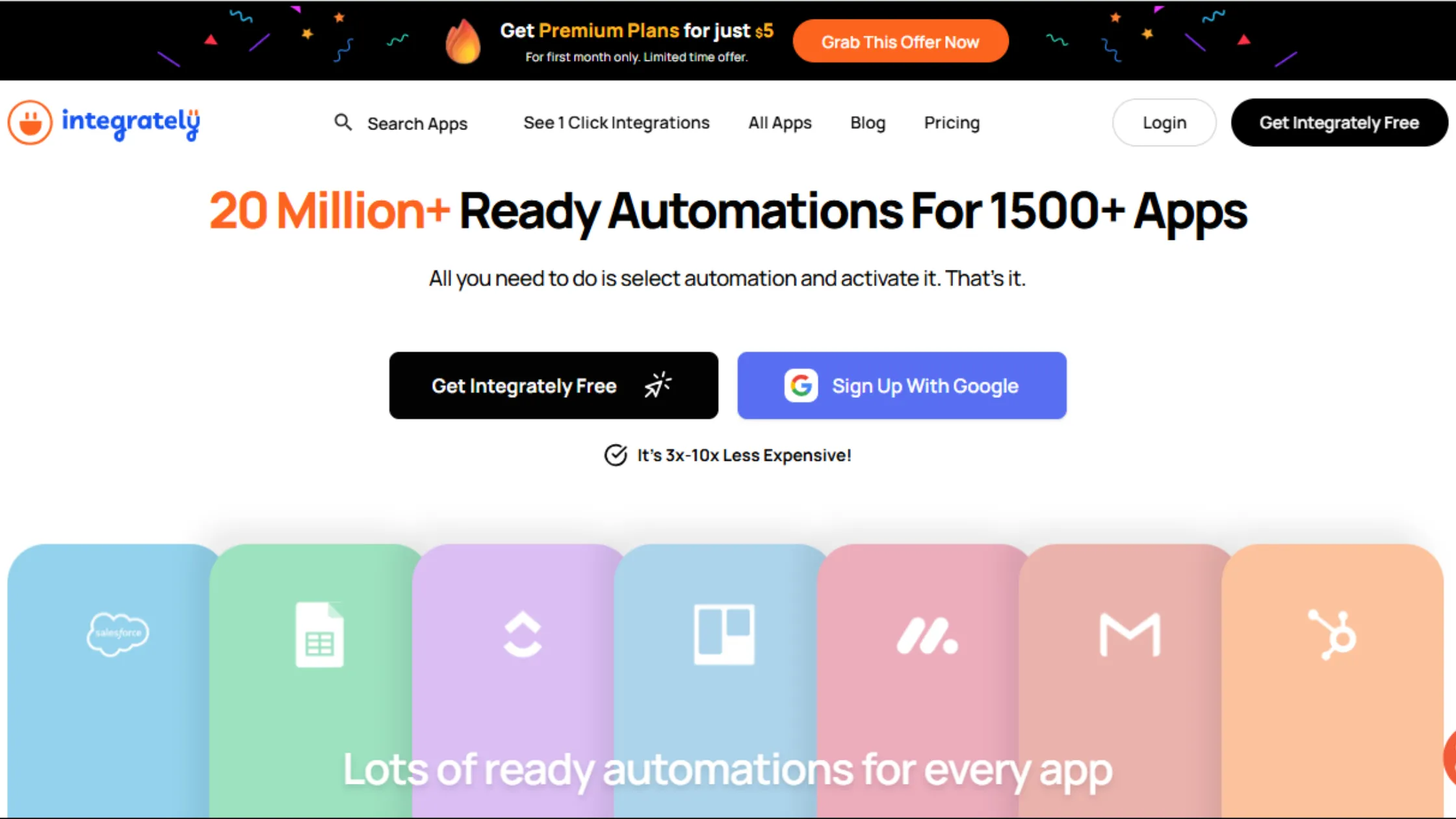
Integrately is built for speed. Pricing starts at $19.99 a month annually for Starter and climbs up to $239 a month at the Business tier.
Integrately hands you ready-made templates, so you barely have to build anything yourself. Connecting your apps takes almost no time at all. Setup overall stays very light.
But limits show up the moment you want to customize things.
- Advanced workflows do not flex much.
- Branching options stay basic. It is not made for complicated systems.
- It only runs in the cloud.
- Layered, deep automation becomes hard to manage well.
So, Integrately workflow automation tool is great for quick wins, but be aware of a breakdown once your workflows need real depth.
8) IFTTT
| Plan | Price (USD/mo) | Usage Limit | Key Features |
| Free | $0/mo | 2 active applets | Basic trigger-action automation, 800+ service directory, standard polling (15-min intervals), mobile apps, core integrations including smart home & IoT |
| Pro | $2.99/mo | 20 active applets | Everything in Free + multi-action applets (1 trigger → multiple actions), faster polling speeds, webhooks, JavaScript filter code for conditional logic |
| Pro+ | $8.99/mo | Unlimited applets | Everything in Pro + unlimited applets, multiple accounts per service (e.g. 2 Gmail accounts), queries (pull additional data), developer tools, API platform access, priority customer support |
IFTTT is built for very basic automation needs. You pay nothing on the Free plan, $2.99 a month for Pro, or $8.99 a month for Pro+.
It handles simple trigger and action automation well. It connects to your basic devices and apps. The cost to get started is about as low as it gets.
But IFTTT stops growing very early.
- There is no way to build multi-step workflows.
- There is no real logic handling built in. It is not made for running a business.
- Flexibility stays very thin across the board.
My takeaway on IFTTT is fine for personal use at home, but cannot handle real workflow systems for a business.
9) Stack AI
| Plan | Price (USD/mo) | Usage Limit | Key Features |
| Free | $0/mo | 500 runs/mo | No-code drag-and-drop workflow builder, core LLM integrations (OpenAI, Anthropic), basic AI agents, no payment info required, good for testing and POC builds |
| Starter / Growth | ~$199/mo (previously published) | Custom runs/mo | Build and deploy production-ready AI applications, multi-step AI agent orchestration, RAG pipelines, API endpoints, data source connections |
| Enterprise | Custom pricing (sales-led; acquired by Asana May 2026) | Custom volume | Advanced security (SOC 2 Type II, HIPAA, GDPR), RBAC, SSO, on-premise deployment, dedicated forward-deployed engineering support, multi-environment (dev/staging/prod), governance controls |
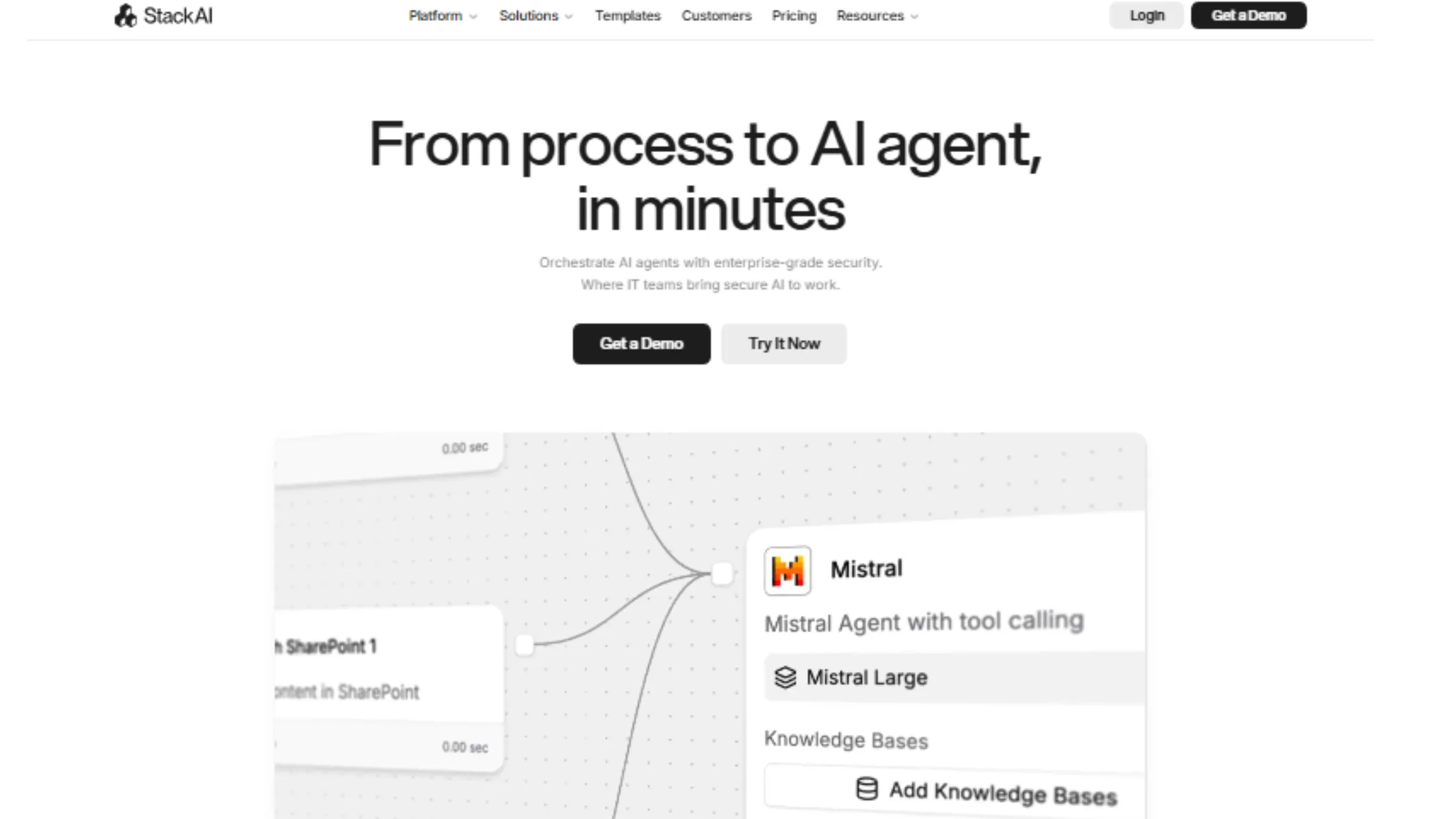
Stack AI is for you if you are creating AI systems inside your workflows. Asana bought Stack AI in May 2026, so pricing and plans may shift. It is best to contact their sales team for the latest terms. Before that change, paid tiers ran around $199 a month.
It lets you build AI workflows visually. It generates clear, structured output. It is good for building AI systems for internal use.
But Stack AI limits show up once you try to expand.
- It does not focus on general automation.
- Connecting to outside tools and apps stays limited.
- It only runs in the cloud.
- It depends heavily on AI to function at all.
- Overall system flexibility stays tight.
Stack AI works well for building AI systems specifically. However, it’s worth noting it does not work as a full, general automation platform.
10) Workato
| Plan | Price (USD/mo) | Usage Limit | Key Features |
| Standard | ~500,000 tasks/mo (varies by contract) | Unlimited app connections, unlimited recipes, unlimited users, 1,200+ pre-built connectors, basic automation, in-product support, 30-day free trial available | |
| Business | ~$5,000–$10,000/mo ($61,800–$120,000/yr) Custom pricing | ~5M tasks/year (5M task benchmark) | Everything in Standard + advanced workflow capabilities, 200k–500k tasks/mo, expanded connector access, enhanced support, cross-departmental automation |
| Enterprise | ~$7,000–$15,000/mo ($84,000–$180,000/yr) Custom pricing | Custom (high-volume) | Everything in Business + advanced governance, monitoring, premium connectors (SAP, Oracle, Workday), enterprise SLA, dedicated CSM, compliance controls |
| Workato One | Custom, top tier | Custom (highest volume) | Full platform including agentic orchestration, all products bundled, unlimited usage tiers, custom security, dedicated engineering, maximum enterprise support |
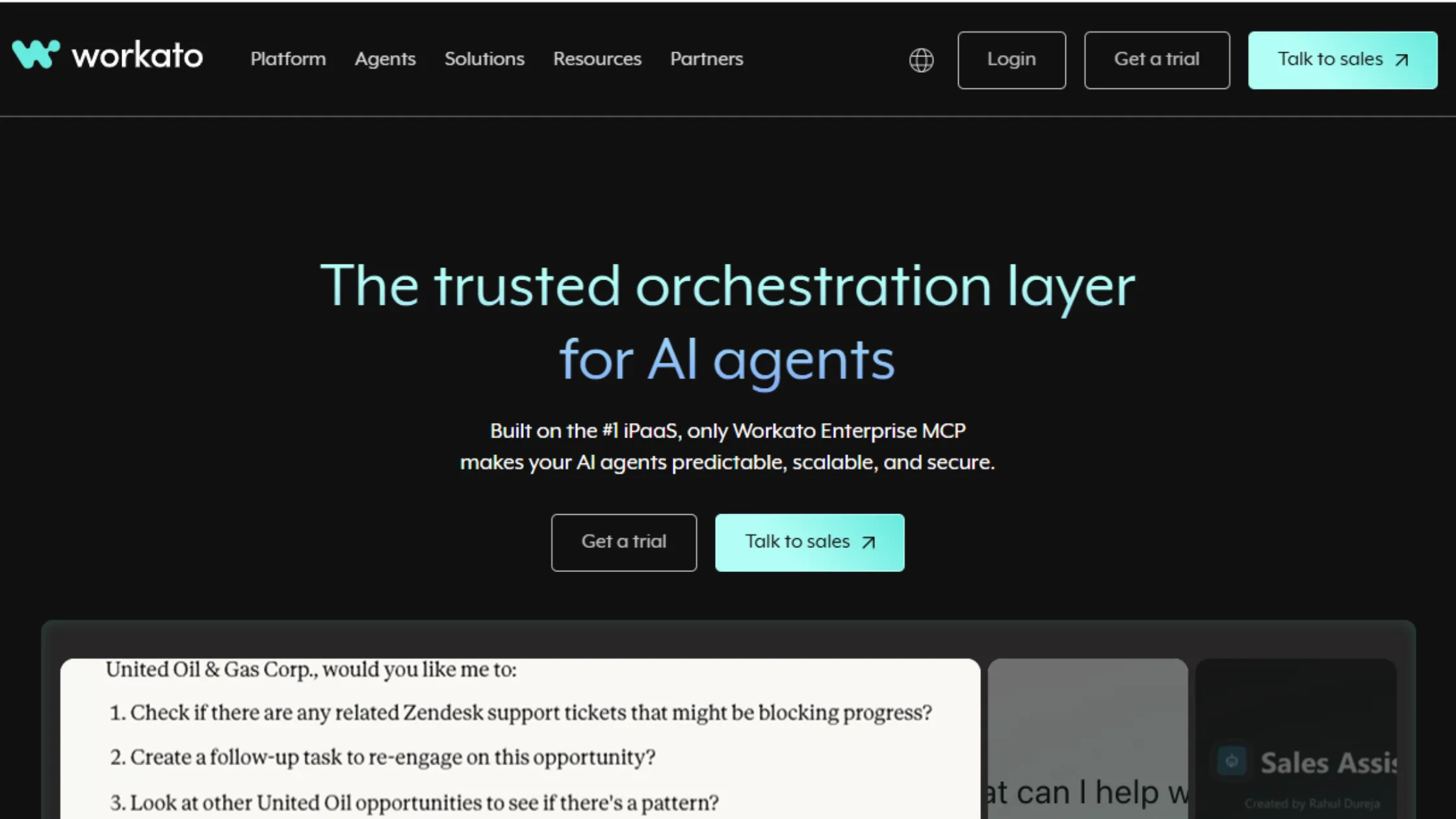
Now, are you a big business running automation across many departments at once? Workato is your go-to n8n alternative.
Workato pricing starts around $833 a month, which works out to about $10,000 a year at the Standard tier, and climbs into the thousands per month from there.
It connects entire business systems smoothly. It comes with strong oversight and monitoring built in. It scales well across many different departments.
But Workato trade-offs are big too.
- The starting cost alone is steep.
- Getting it set up takes real time and effort.
- It is not made for small, simple workflows.
- Rolling it out takes a long time.
- Keeping it running needs a lot of ongoing management.
In other words, Workato fits big enterprise needs well and not for light, everyday automation.
11) Tray.ai
| Plan | Price (USD/mo) | Usage Limit | Key Features |
| Pro | ~$595/mo (custom-quoted) approx. $7,140/yr | ~25,000 tasks/mo (up to 3 workspaces) | Visual low-code workflow builder (Tray Build), 700+ pre-built connectors, API-level orchestration, AI agent builder (Merlin), MCP Gateway, standard log retention, standard support |
| Team | Custom pricing (contact sales) | Higher task allocation (up to 20 workspaces) | Everything in Pro + multiple use cases across a department, enhanced insights, advanced analytics, add-on capabilities, better log retention, priority support |
| Enterprise | Custom pricing (contact sales) | Unlimited workspaces, custom task volume | Everything in Team + unlimited workspaces, regional hosting, log streaming, on-premise connectivity, Embedded Bundle for customer-facing integrations, advanced security (RBAC, audit logs), dedicated support, regional data residency |
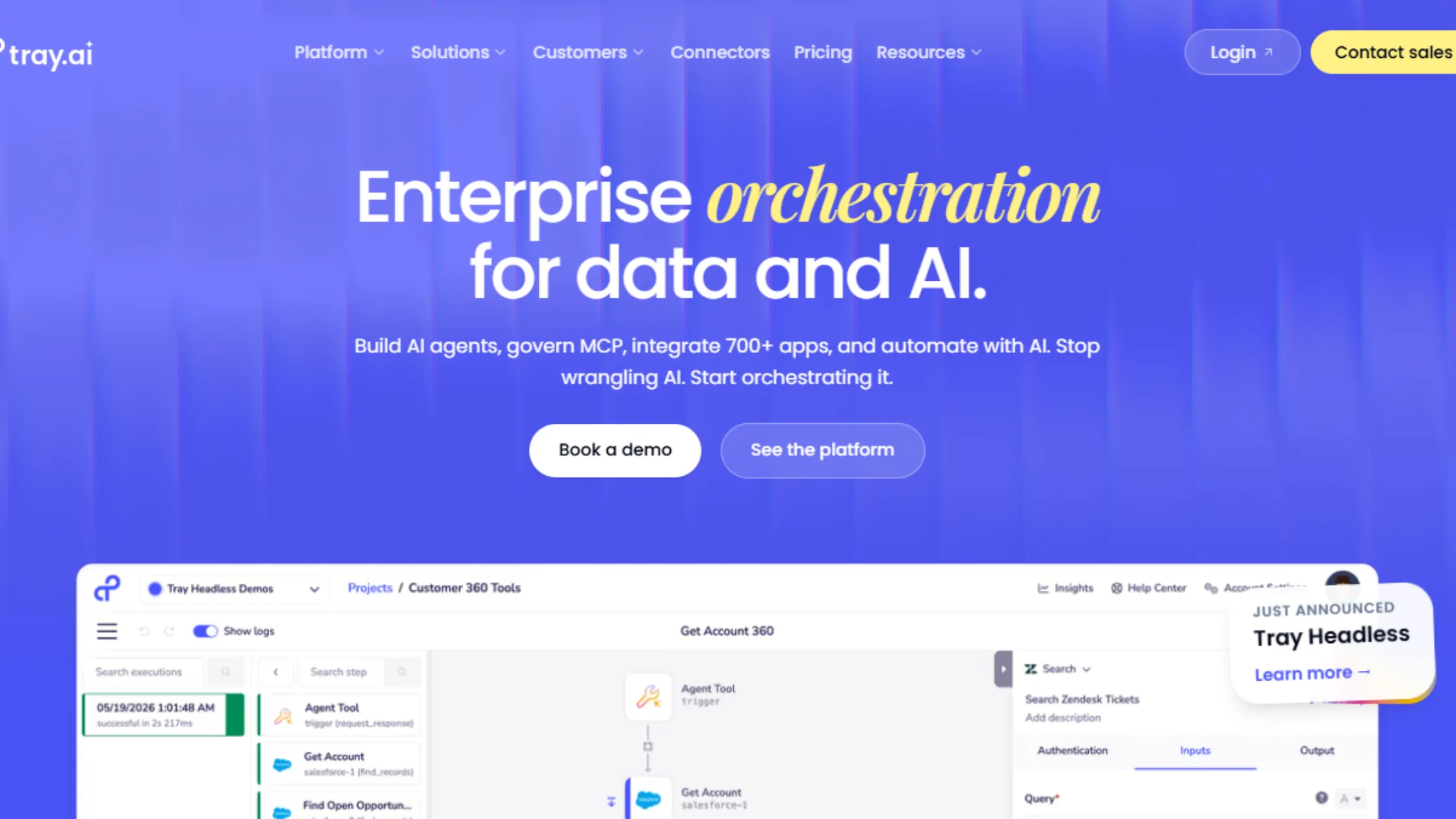
Tray.ai is built for workflows that rely heavily on connecting systems through APIs. An API is just a way for two different pieces of software to talk to each other. Tray.ai pricing starts at $595 a month at the Pro tier, which adds up to roughly $7,140 a year, scaling up to custom enterprise pricing from there.
It gives you deep control at the API level. It flexes well for designing complex systems. It is built with strong, enterprise-grade structure.
But the pressure to scale on Tray.ai is real here.
- You need real technical skill to use it well.
- Setup and upkeep stay complex.
- It gets pricey fast outside of enterprise budgets.
- It is not friendly for beginners.
- It leans heavily on engineering support to keep running.
Tray.ai fits engineering-heavy automation well but is not built with everyday, non-technical users in mind.
Which Workflow Tool Should You Choose
By now, the real story in n8n vs alternatives is clear. It is not about which tool has the most features. It is about how each tool holds up once your workflows start to grow.
This is where n8n stands out from everything else on this list. With n8n, you do not pay per task. You are not boxed into shallow, single-step automations. You get full control over how your automation runs, how it scales, and how it connects to everything else you use.
You can start small and grow into big, multi-step workflows without switching tools or losing any flexibility along the way. That makes n8n a smart long-term pick for building real automation systems, not just quick task chains that fall apart once things get busy.
If you want to run n8n without limits and keep full control of your workflows, you need solid hosting behind it. Get started with reliable n8n hosting on Truehost and build automation that grows without holding you back.